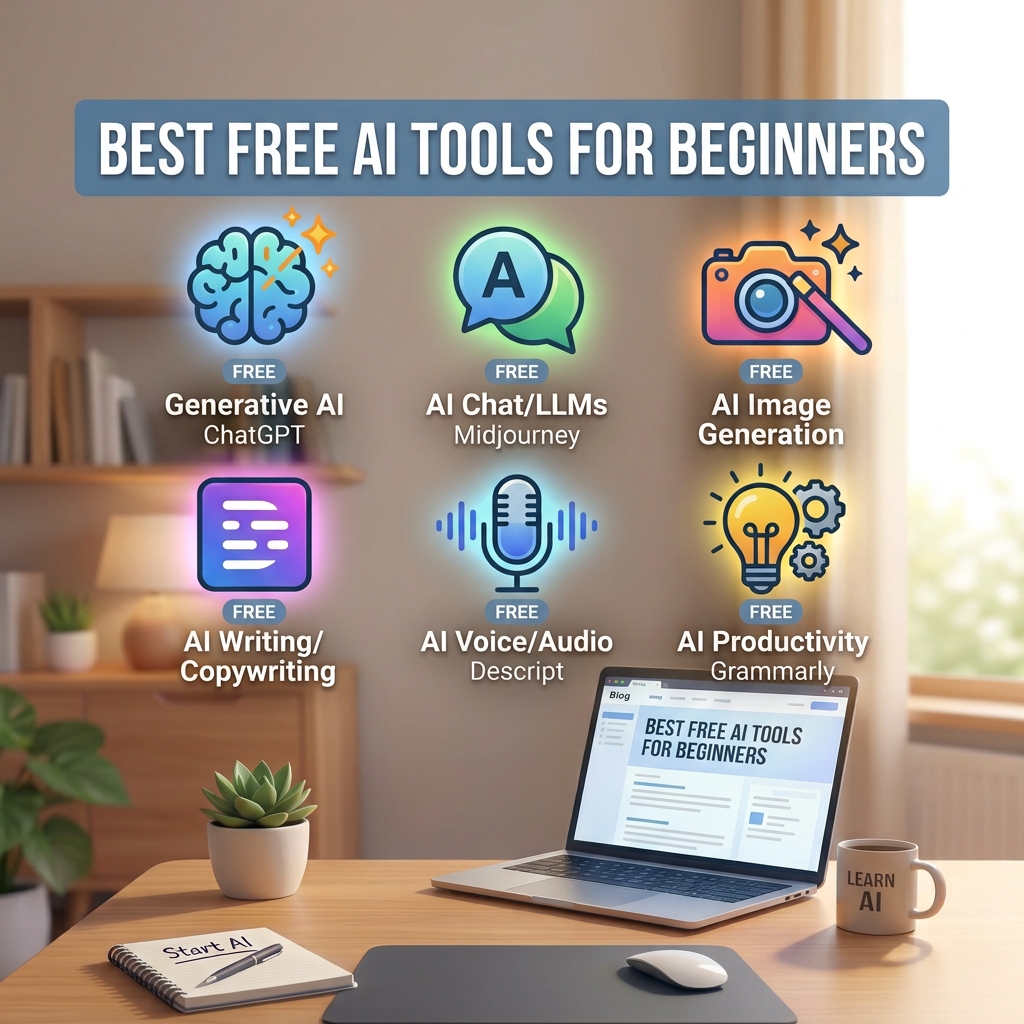

Artificial intelligence tools are no longer just for developers. Today, students, bloggers, freelancers and small business owners use them to write faster, research smarter and design better. The good news is that many of the most useful tools offer a free plan, so you can start without spending anything.
In this guide, we explain seven free AI tools that are beginner friendly, what each one is best for, and how to pick the right one for your work.

What Is an AI Tool?
An AI tool is software that uses machine learning to help with a task, such as writing text, answering questions, summarizing documents or creating images. You type a request in plain language, and the tool responds. You do not need coding skills.
Quick Comparison Table
| Tool | Best For | Free Plan | Difficulty |
|---|---|---|---|
| ChatGPT | General writing and brainstorming | Yes, with limits | Easy |
| Claude | Long-form writing and long documents | Yes, with limits | Easy |
| Google Gemini | Google account users | Yes, with limits | Easy |
| Perplexity | Research with source links | Yes, with limits | Easy |
| 【entity-Canva¦canonical_name=Canva】 | Social posts and graphics | Yes (some AI features may need a paid plan) | Easy |
| 【entity-Grammarly¦canonical_name=Grammarly】 | Grammar and clarity checks | Yes, basic checks | Very easy |
| NotebookLM | Studying from your own documents | Free access at the time of writing | Easy |
7 Free AI Tools for Beginners
1. ChatGPT
ChatGPT, made by OpenAI, is one of the most widely used AI assistants. It can draft emails, explain difficult topics in simple words, suggest blog ideas and help you plan projects. It is a good first tool because it handles almost any everyday text task.
Pros
- Handles many types of tasks
- Simple chat interface
Cons
- Free plan has usage limits
- Answers can contain mistakes, so facts need checking
2. Claude
Claude, made by Anthropic, is popular for writing and for working with long text. You can paste a long article or report and ask for a summary, a rewrite or key points. Many people like its natural, readable writing style.
Pros
- Good for long documents
- Clear, natural writing
Cons
- Free plan has message limits
- Still needs human fact-checking
3. Google Gemini
Gemini is Google's AI assistant. If you already use a Google account, Gmail or Google Docs, it is easy to start. It is useful for brainstorming, quick explanations and drafting.
Pros
- Works smoothly with Google services
- Easy to start with a Google account
Cons
- Some features depend on your region and plan
- Responses need review for accuracy
4. Perplexity
Perplexity works like a search engine that writes a short answer and shows the sources it used. This makes it helpful when you want to research a topic and quickly open the original pages to verify details.
Pros
- Shows source links
- Fast for research
Cons
- Sources still need to be checked
- Free searches are limited
5. 【entity-Canva¦canonical_name=Canva】
【entity-Canva¦canonical_name=Canva】 is a design platform that includes AI features for creating images, writing short text and building layouts. It is ideal for social media posts, thumbnails and simple marketing graphics.
Pros
- Thousands of ready templates
- No design skills needed
Cons
- Some AI features need a paid plan
- Templates can look similar if you do not customize them
6. Grammarly
Grammarly checks spelling, grammar and clarity as you write. It is especially helpful if English is not your first language, because it points out errors and suggests clearer wording.
Pros
- Works in browsers and many apps
- Catches common grammar errors
Cons
- Advanced suggestions need a paid plan
- Suggestions do not always match your tone
7. NotebookLM
NotebookLM, from Google, lets you upload your own notes, PDFs or articles and then ask questions about them. Because its answers are based on your material, it is useful for students and researchers who want to study from specific sources.
Pros
- Answers are based on your own sources
- Great for study and research
Cons
- Not made for general chatting
- Availability and limits may change
How to Choose the Right AI Tool

- Define your goal. Writing, research, design and studying each have a different best tool.
- Start with one or two tools. Learn them well before adding more.
- Check the free limits. Make sure the free plan covers your normal usage.
- Review privacy settings. Avoid pasting passwords, client secrets or private data.
- Test with a real task. Try the same prompt in two tools and compare the results.
Common Beginner Mistakes
- Copying AI output without editing or fact-checking it.
- Writing very short prompts and expecting perfect answers. Add context, audience and format.
- Trusting statistics or quotes without checking the original source.
- Using too many tools at once instead of mastering one.
Frequently Asked Questions
Are free AI tools safe to use?
Reputable tools are generally safe for everyday tasks, but you should avoid sharing sensitive personal or business information. Read each tool's privacy policy.
Which free AI tool is best for a complete beginner?
A general assistant such as ChatGPT, Claude or Gemini is the easiest place to start because you simply type your question in plain language.
Can AI tools replace human writers?
They can speed up drafting and research, but they work best with human judgment, editing and real experience added on top.
Do I need to pay to get good results?
Not at the beginning. Free plans are enough to learn the basics. Upgrade only if you regularly hit the limits.
Final Thoughts
You do not need expensive software to start using AI. Pick one tool that matches your main goal, practice with real tasks, and always review the output before using it. As you get comfortable, you can add more tools to your workflow.