

Good writing builds trust. Whether you are writing a blog post, an email, an assignment or a business proposal, spelling and grammar mistakes can make you look careless. Grammarly is one of the best known writing assistants designed to help with exactly this.
In this review, we explain what Grammarly does, what you get with free and paid plans, who benefits most, and what its limits are.

What Is Grammarly?
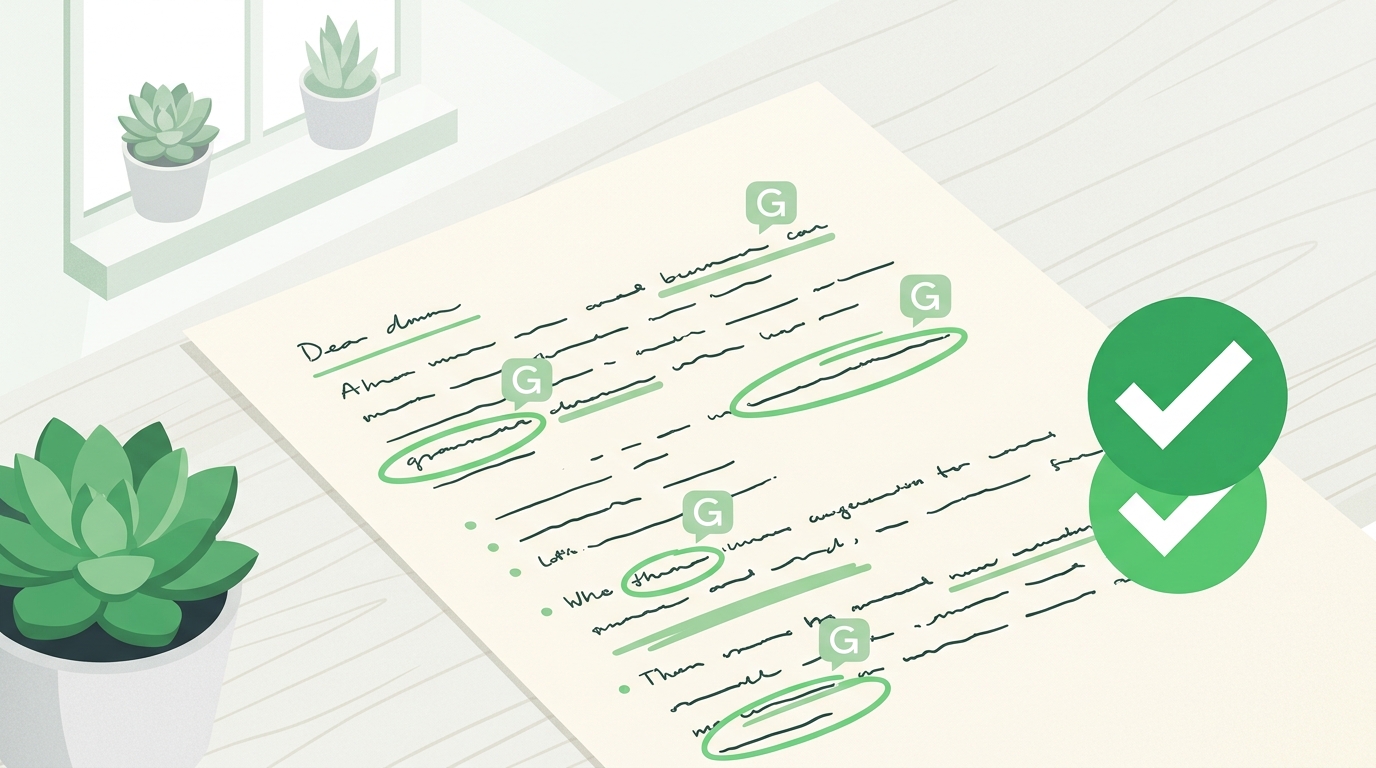
Grammarly is a writing assistant that checks spelling, grammar, punctuation and clarity. It works as a browser extension, a desktop app, a mobile keyboard and inside several writing apps, and it highlights mistakes with suggested fixes as you write.
Key Features
- Grammar and spelling checks: Finds common errors such as wrong tense, missing commas and typos.
- Clarity suggestions: Points out long, confusing or wordy sentences.
- Tone suggestions: Helps you sound formal, friendly or confident, depending on the context.
- Works in many places: Gmail, social media, documents and WordPress editors, through browser extensions and apps.
- AI writing help: Rewriting and drafting features that are available depending on your plan.
- Plagiarism checker: Generally offered in paid plans to compare text against other sources.
Free vs Paid
| Area | Free Plan | Paid Plans |
|---|---|---|
| Spelling and grammar | Yes, basic checks | Yes, more detailed |
| Clarity and tone | Limited | Fuller suggestions |
| Rewriting with AI | Limited | Higher usage |
| Plagiarism check | Usually not included | Usually included |
| Team features | No | Available in business plans |
Plan details change over time, so compare them on the official pricing page before you pay.
Pros and Cons
Pros
- Catches many common errors quickly
- Easy to install and use
- Works across many apps and websites
- Useful for learners of English
- Free plan is good for basic checking
Cons
- Advanced features require a paid plan
- Suggestions can miss context or your personal style
- Not every suggestion should be accepted
- Sensitive text should be handled carefully
Who Should Use Grammarly?
- Students: To proofread essays and assignments.
- Bloggers: To clean up articles before publishing.
- Non-native English writers: To learn from corrections and write with more confidence.
- Professionals: To polish emails and reports.
- Not necessary for: People who already write and edit carefully, or who only write very rarely.
Grammarly Alternatives
Other tools you can compare include LanguageTool, ProWritingAid and the built-in editors in Microsoft Word and Google Docs. Many have free versions, so you can test two or three with your own writing.
Frequently Asked Questions
Is Grammarly free?
Yes, there is a free plan with basic spelling and grammar checks. Advanced features need a paid plan.
Is Grammarly worth paying for?
It can be if you write often and want deeper clarity, tone and plagiarism features. Occasional writers may be fine with the free plan.
Can Grammarly replace a human editor?
No. It helps with mechanics, but it cannot fully judge your ideas, accuracy or audience.
Does Grammarly work in WordPress?
It generally works through its browser extension in many text editors, but results can vary by editor and settings.
Final Verdict
Grammarly is a reliable helper for catching mistakes and improving clarity. Start with the free plan, review each suggestion thoughtfully, and consider upgrading only if you regularly need its advanced features.


