
You open a page on your phone, the headline appears, and you reach for a link. Then an image loads above it, everything jumps down, and you tap the wrong thing. Every visitor knows that feeling, and Google measures it.
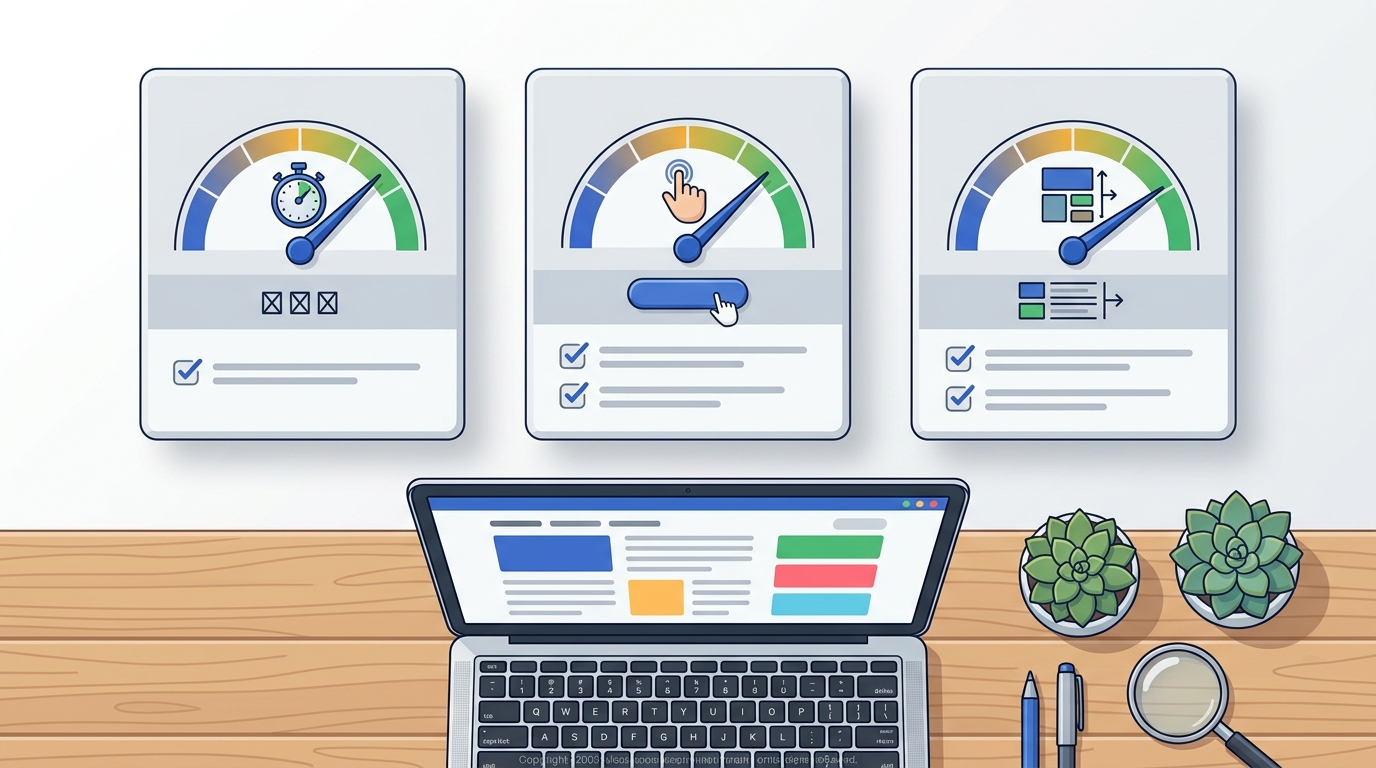
The measurements are called Core Web Vitals. They are three numbers that describe how fast your page shows its main content, how quickly it reacts when someone taps or clicks, and how steady the layout stays while it loads.
This guide explains each metric in plain English, shows you how to check your own WordPress site for free, and walks through the fixes that make the biggest difference for beginners.
Quick answer
Core Web Vitals are three user-experience metrics from Google: LCP (loading), INP (responsiveness) and CLS (visual stability). A page is rated "good" when LCP is 2.5 seconds or less, INP is 200 milliseconds or less, and CLS is 0.1 or less for at least 75% of real visits. On WordPress, the usual fixes are smaller images, page caching, fewer heavy plugins, and reserving space for images and ads.

What Are Core Web Vitals?
Core Web Vitals are part of Google's wider Web Vitals programme. Instead of asking "how fast is this server?", they ask "what did a real person experience on this page?"
There are three of them:
- Largest Contentful Paint (LCP) measures how long it takes for the biggest visible element, usually a featured image or a headline, to appear.
- Interaction to Next Paint (INP) measures how long the page takes to respond visually after a tap, click or key press.
- Cumulative Layout Shift (CLS) measures how much the content moves around unexpectedly while the page loads.
INP is the newest of the three. It replaced an older metric called First Input Delay (FID) in March 2024, so if you read an article that still talks about FID, it is out of date.
The thresholds you should aim for
| Metric | What it measures | Good | Needs improvement | Poor |
|---|---|---|---|---|
| LCP | Loading speed | 2.5 s or less | 2.5 s to 4.0 s | More than 4.0 s |
| INP | Responsiveness | 200 ms or less | 200 ms to 500 ms | More than 500 ms |
| CLS | Visual stability | 0.1 or less | 0.1 to 0.25 | More than 0.25 |
Google judges each metric at the 75th percentile of visits. In simple terms, three out of four visits need to hit the "good" number, so a fast result on your own laptop is not enough.
Why Core Web Vitals Matter
There are two honest reasons to care, and one myth to ignore.
- Visitors stay longer on pages that feel quick. A page that jumps or freezes makes people leave before they read anything.
- Google's ranking systems use Core Web Vitals. Google's documentation says good scores are recommended for success in Search and for a good user experience in general.
- The myth: great scores do not push a weak article to the top. Google is clear that relevance and helpful content come first. Think of Core Web Vitals as a tie-breaker between pages of similar quality, not a shortcut.
For a site that shows adverts, there is a third reason. Ads that load late and push text down are one of the most common causes of a poor CLS score, so planning ad space properly protects both your readers and your scores.
How to Check Your Core Web Vitals for Free
You do not need paid software. These three free tools cover almost everything.
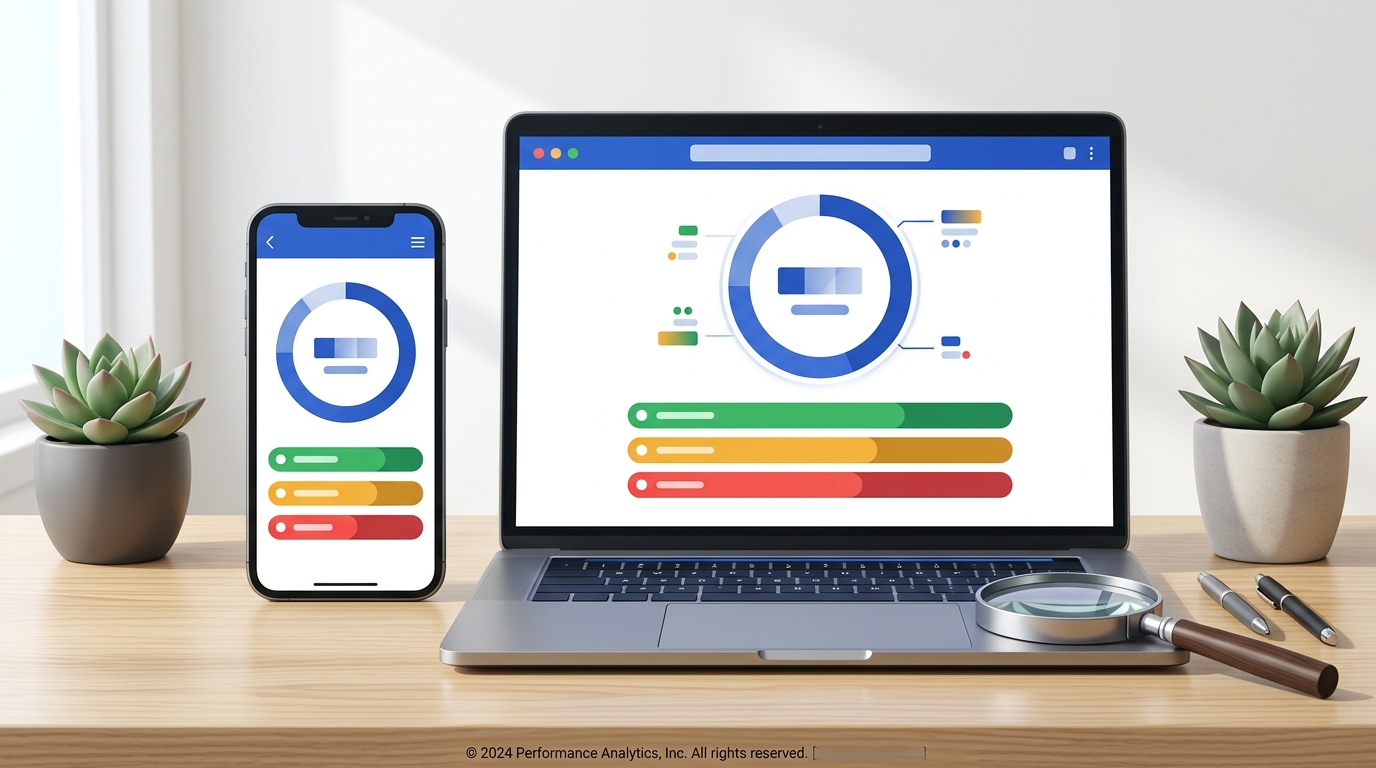
- PageSpeed Insights. Go to pagespeed.web.dev, paste a URL and press Analyze. The top section shows real-user data if Google has enough of it, and the lower section shows a lab test with a list of suggestions.
- Google Search Console. The Core Web Vitals report groups your URLs into Good, Needs improvement and Poor, split by mobile and desktop.
- Chrome DevTools. Open your page in Chrome, press F12 and use the Lighthouse or Performance panel to test a single page while you make changes.
Test a page with PageSpeed Insights
Field data vs lab data
This confuses almost every beginner, so it is worth a minute.
| Field data | Lab data | |
|---|---|---|
| Where it comes from | Real Chrome users over the last 28 days | One simulated test on a set device |
| What it is good for | Seeing what visitors really experience | Finding and debugging problems |
| Used by Google Search | Yes | No |
| Available for new sites | Often not yet | Always |
New site with no field data?
A new or low-traffic site usually shows "No data" in the real-user section. That is normal and it is not a penalty. Use the lab results to fix obvious problems now, and the field data will appear once enough people visit.
How to Improve LCP on WordPress
LCP is the metric most sites struggle with. On a blog, the LCP element is nearly always the featured image or the post title.
- Compress and resize your images. Upload images at the size they are displayed, not 4000 pixels wide. Use WebP or AVIF where you can. WordPress supports both formats.
- Do not lazy-load the top image. Lazy loading is great for images further down the page, but the first large image should load immediately.
- Turn on page caching. A caching plugin, or caching provided by your host, serves a saved copy of the page instead of rebuilding it for every visitor.
- Choose decent hosting. If the server takes more than a second just to reply, no plugin will rescue your LCP.
- Use a lightweight theme. Themes that load sliders, animation libraries and several font families on every page slow down the first view.
How to Improve INP on WordPress
INP gets worse when the browser is too busy running JavaScript to react to the visitor.
- Remove plugins you do not use. Every active plugin can add scripts to every page.
- Limit third-party scripts. Chat widgets, pop-ups, social feeds and multiple analytics tags are common causes.
- Delay non-essential JavaScript. Many performance plugins can load scripts only after the visitor interacts.
- Keep page builders in check. Builders are useful, but deeply nested sections and many widgets on one page add weight.
How to Improve CLS on WordPress
Layout shift is usually the easiest of the three to fix, because the causes are predictable.
- Give every image a width and height. WordPress adds these automatically for images inserted through the editor. Problems appear with hand-written HTML and some sliders.
- Reserve space for ads and embeds. Put the ad or video inside a container with a fixed minimum height so the text does not jump when it loads.
- Load fonts carefully. Use one or two font families, host them locally if possible, and use the
font-display: swapsetting. - Avoid inserting banners above existing content. Cookie notices and promo bars should overlay the page or have space reserved for them.
Example
A blog post has a 1200 × 675 featured image saved as a 1.8 MB PNG. Converting it to WebP at the same dimensions typically brings it down to a small fraction of that size, and LCP improves without changing anything else on the page. Start with your images before you install another plugin.
A Simple Order to Work In
If you are not sure where to begin, follow this order. Each step is quick to test, and the early ones usually give the biggest gains.
- Test your homepage and one blog post in PageSpeed Insights on mobile.
- Note which of the three metrics is failing.
- Optimise the images on that page.
- Enable page caching.
- Deactivate plugins you do not need and test again.
- Fix layout shifts from images, fonts and ads.
- Re-test, then check Search Console again after a few weeks.
Doing It Yourself vs Using a Performance Plugin
Pros
- A performance plugin applies caching and file optimisation in a few clicks
- Most popular options have a free version that is enough for a small blog
- Settings can be switched off again if something breaks
Cons
- Aggressive settings can break menus, sliders or forms
- Two caching plugins at once often conflict with each other
- A plugin cannot fix slow hosting or oversized images on its own
Common Mistakes to Avoid
- Chasing a score of 100. The lab score is a guide. Passing the three thresholds for real users is the goal.
- Testing only on desktop. Google mainly uses the mobile version of your site, and mobile results are usually slower.
- Testing only the homepage. Your blog posts are the pages people land on from search.
- Installing several optimisation plugins together. Overlapping features cause errors that are hard to trace.
- Expecting instant changes in Search Console. Field data is collected over 28 days, so improvements show up gradually.
Tips for Beginners
- Change one thing at a time and re-test, so you know what worked.
- Take a full backup before you change caching or script settings.
- Keep WordPress, your theme and your plugins updated.
- Decide where ads will sit before you design the page around them.
Frequently Asked Questions
Are Core Web Vitals a Google ranking factor?
Google says its core ranking systems use Core Web Vitals, and it recommends achieving good scores. They are one signal among many, and helpful, relevant content matters more.
What is a good Core Web Vitals score?
A page passes when LCP is 2.5 seconds or less, INP is 200 milliseconds or less and CLS is 0.1 or less, measured at the 75th percentile of real visits.
Why does PageSpeed Insights show no real-user data for my site?
Field data comes from real Chrome users. New and low-traffic sites often do not have enough visits yet, so only the lab test is shown. This is normal.
Do I need a paid plugin to pass Core Web Vitals?
No. Many small WordPress sites pass with a lightweight theme, optimised images, basic caching and sensible hosting. Paid tools can save time but are not required.
How long does it take to see improvements?
Lab results change as soon as you re-test. Field data in PageSpeed Insights and Search Console is based on a rolling 28-day period, so allow about a month.
Conclusion
Core Web Vitals turn "my site feels slow" into three numbers you can measure and improve. LCP tells you how fast the main content appears, INP tells you how quickly the page responds, and CLS tells you how steady the layout is.
Start with a mobile test in PageSpeed Insights, fix your images, turn on caching and remove what you do not need. Small, steady improvements make your site more pleasant to read, and that is the real goal behind the numbers.
Related Guides on ThemeZone
How to Change Your WordPress Theme Without Losing Content
Switching to a lighter theme? Read this first.
Free vs Premium WordPress Themes
How theme choice affects features and performance.
Elementor Review
What to expect from a page builder as a beginner.