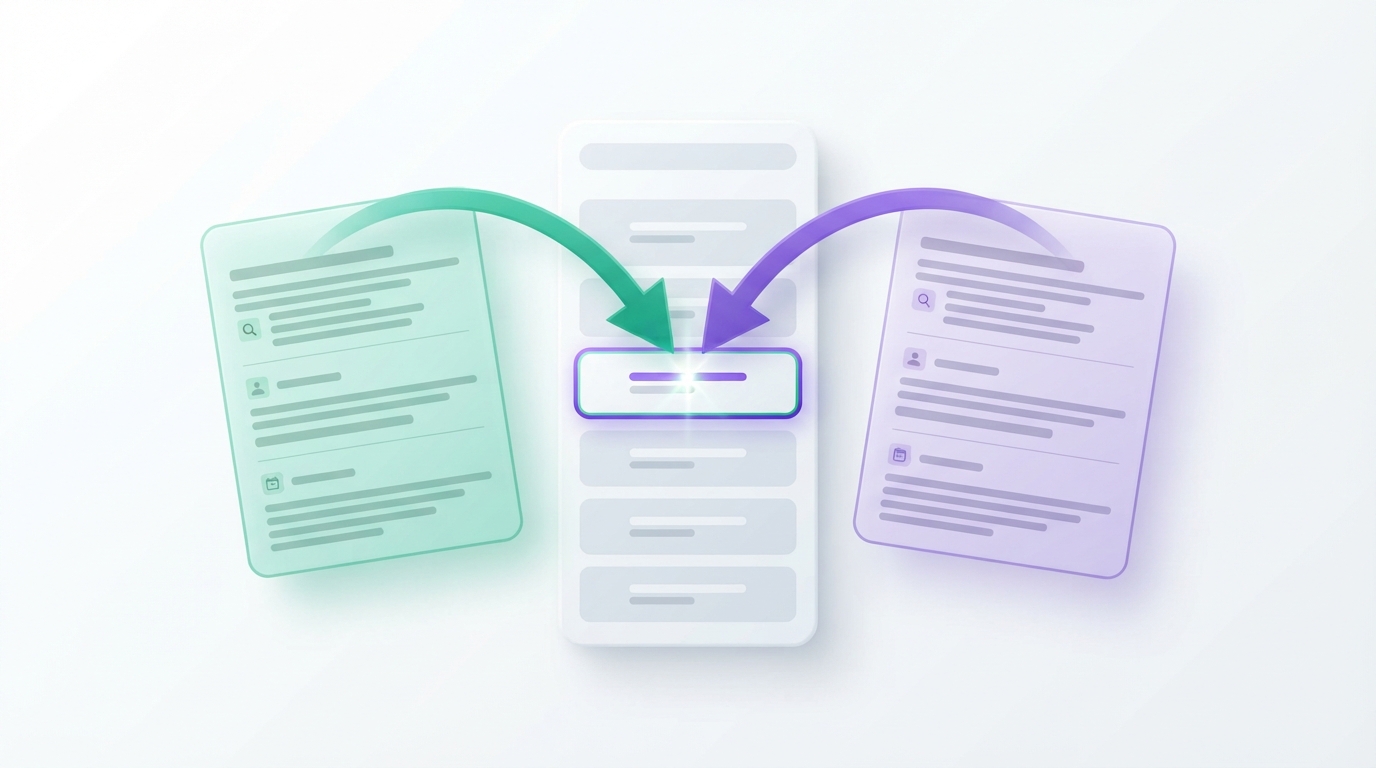

You publish a second article on a topic that already did well, expecting twice the traffic. A few weeks later the original has slipped, the new one has not taken its place, and Search Console shows Google switching between the two. Your pages are competing with each other.
That is keyword cannibalization, and it is common on blogs that publish regularly. This guide explains what it is and what it is not, shows three ways to find it with free tools, and walks through the four fixes with advice on choosing between them. The decision helper below turns four answers about a pair of pages into a recommended fix.
01What keyword cannibalization is
Keyword cannibalization happens when two or more pages on the same site try to satisfy the same search intent, and as a result none of them performs as well as a single strong page would.
The word "keyword" is a little misleading. Two pages can share a phrase and be perfectly fine if they serve different needs. The real issue is duplicated intent. "How to back up WordPress" and "WordPress backup guide" are the same request in different words. "How to back up WordPress" and "best WordPress backup plugins" share a keyword but answer different questions: one reader wants steps, the other wants to choose a product.
When intent is duplicated, a few things tend to follow:
- Search engines have to pick which page to show, and the choice may change from week to week.
- Links from other sites and from your own posts are divided between the pages.
- The page that appears may be the weaker or older one.
- You spend time maintaining two articles that do one job.
In Search Console, filter the Performance report by a query and open the Pages tab. If two URLs share the impressions and neither ranks steadily, compare their intent. Same intent: merge them into the stronger URL and 301 redirect the other. Different intent: sharpen each page's focus and link them to each other.
02When overlap is not a problem
A lot of advice treats any two URLs appearing for one query as an emergency. It is not. Leave things alone when:
- Both pages get healthy clicks. Two listings for one query is a good result. Merging could lose one of them.
- The query is broad. For a term like "WordPress security", Google may reasonably show a guide and a checklist from the same site.
- The pages are different types. A category page and an article, or a product page and a how-to, serve different stages.
- The overlap is on minor queries only. Every page ranks for hundreds of incidental phrases. Judge by the main query each page was written for.
The test is always performance. If neither page is being held back, there is nothing to fix.
03Three ways to find it
Method 1: Search Console, query first
- Open Performance → Search results and set the range to the last three to six months.
- Click + Add filter → Query and enter a topic you have written about more than once.
- Open the Pages tab.
- If several URLs appear, compare their clicks, impressions and average position.
The pattern to look for is two or more pages with meaningful impressions, positions that are close together and mediocre, and clicks spread thin.
Method 2: the site: search
Search Google for site:yourdomain.com "topic phrase". You will see every indexed page of yours that mentions the phrase. Scan the titles. Two titles that promise the same thing are candidates. This method is quick and good for catching posts you had forgotten.
Method 3: a content inventory
List every post in a spreadsheet with its title, URL and the main question it answers. Sort by that last column. Duplicates sit next to each other. It takes an hour on a small blog and is the only method that also finds overlap between posts that get no traffic at all.

04Fix decision helper
Pick one pair of overlapping pages and answer four questions about them.
Cannibalization Fix Helper
A browser-based decision helper using general rules. It does not read your site or Search Console data, so check its suggestion against your own numbers.
Suggested approach
05The four fixes compared
| Fix | Use it when | What you do | Risk |
|---|---|---|---|
| Merge and redirect | Same intent, and one page can cover it all | Combine the best of both into the stronger URL; 301 redirect the other | Losing useful sections or redirecting to the weaker page |
| Differentiate | Intent overlaps only partly | Give each page a distinct question; move or cut the overlapping section; rewrite titles | Half-measures that leave the overlap in place |
| Canonical tag | Near-duplicate pages that must both stay live | Add rel="canonical" on the secondary page pointing to the preferred one |
It is a hint, not a command; Google may ignore it if pages differ |
| Internal link signals | Both pages are useful and you only need to show a preference | Point internal links for that topic at the preferred page; link from the secondary page to it | Slow and subtle on its own |
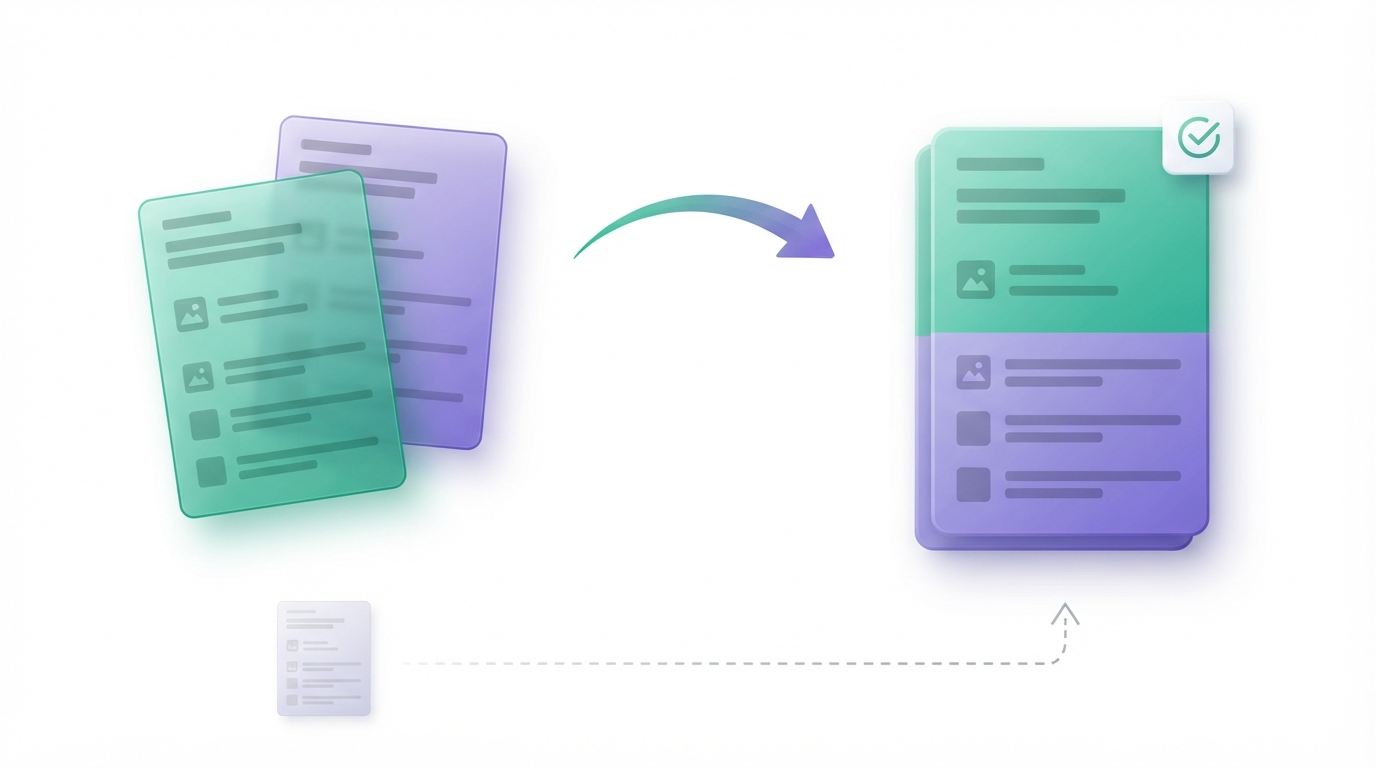
Merging is the right answer more often than people expect, particularly on blogs where the same topic was covered again a year or two later. One complete, current article nearly always serves a reader better than two partial ones.
Avoid reaching for noindex as a cannibalization fix. It removes a page from search without passing its value anywhere. If the page is not worth keeping in search, a redirect to the better page is usually the stronger choice.
06How to merge two posts safely
- Choose the URL to keep. Prefer the page with more search clicks, more links pointing to it and the cleaner slug. Age alone is not a reason.
- Save copies of both posts before editing, or confirm WordPress revisions are on.
- Check which queries each page gets clicks for. Make sure the merged article still answers all of them.
- Combine the content. Move unique sections, examples and images from the page you are retiring into the page you are keeping. Edit so it reads as one article, not two stitched together.
- Update the title, headings and meta description if the scope grew.
- Set up a 301 redirect from the retired URL to the kept URL, using your SEO plugin, a redirection plugin or your server configuration.
- Fix internal links. Search your site for links to the old URL and point them directly at the new one. Our internal linking strategy guide covers how to find them.
- Record the date and watch the result in Search Console for four to eight weeks. Some movement in the first days is normal.
A merge is also a content refresh, so the same care applies. See how to update old blog posts for the checks to run on the surviving article.
Do not delete the old post without a redirect. Anyone following an existing link or bookmark will hit an error page, and whatever value the URL had is lost.
07How to prevent it
- Search your own site before writing. A thirty-second
site:search tells you whether the question is already answered. - Keep a content map. One row per post with the main question it answers. New ideas get checked against it.
- Give every post one job. Writing the reader's question at the top of a brief makes overlap visible early. Our content brief template includes that field.
- Update instead of repeating. When a topic changes, refresh the existing article. Avoid "2025 edition" and "2026 edition" as separate URLs.
- Watch tags and categories. A tag archive with the same name as a post or category can compete with it. Use few tags, and consider keeping thin tag archives out of the index through your SEO plugin.
08Common mistakes and expert tips
Common mistakes
- Fixing what is not broken. Merging two pages that both perform well can cost you a listing.
- Judging by keyword instead of intent.
- Redirecting to the homepage. A redirect should go to the closest equivalent page.
- Using a canonical tag between pages that are quite different. It is meant for duplicates and near-duplicates.
- Changing many pairs at once. You will not know which change helped. Work through a few at a time.
Expert tips
- Look at dates in Search Console. Set the chart to compare the two URLs over time. If they alternate, with one rising as the other falls, that is the clearest sign of real cannibalization.
- Check the top results for the query. If the first page shows mostly one type of content, shape the surviving page to match that intent.
- Keep the retired page's best title idea. Sometimes the weaker page had the better headline. Reuse it on the merged article.
09FAQs
Is keyword cannibalization always bad?
No. It is a problem only when the overlap holds the pages back. If two pages both rank and both earn clicks for a query, leave them.
How do I check for keyword cannibalization for free?
Use Google Search Console: filter the Performance report by query and open the Pages tab. A site: search in Google and a simple spreadsheet of your posts cover the rest.
Should I delete or redirect the weaker page?
Redirect it with a 301 to the page that replaces it, after moving across anything useful. Delete without a redirect only when the page has no traffic, no links and no relevant destination.
Does a canonical tag fix cannibalization?
It helps when two pages are near-duplicates and both must stay accessible. Google treats it as a strong hint and may choose differently. For two articles on one topic, merging is usually cleaner.
How long does it take to see results after merging?
It varies with how often the site is crawled. Allow several weeks before judging, and expect some fluctuation at first. An improvement is likely when the merged page is clearly better, but it is not guaranteed.
10Conclusion
Keyword cannibalization is a question of intent, not of repeated words. Find pairs of pages that answer the same question, confirm in Search Console that they are holding each other back, and then choose: merge, differentiate, canonicalise or leave alone. One strong page per question keeps the site easier to maintain and easier for both readers and search engines to understand.
References
- Google Search Central: how to specify a canonical URL
- Google Search Central: redirects and Google Search
- Search Console Help: Performance report
Related guides
Stop overlap before it starts by planning each article with our content brief template, then connect the surviving pages with an internal linking strategy.