AdSense Approval Checklist for a New WordPress Blog: What Google Actually Requires
Most AdSense advice invents rules. This guide sticks to what Google publishes, adds common-sense publishing standards, and gives you an interactive checklist to find gaps before you apply.
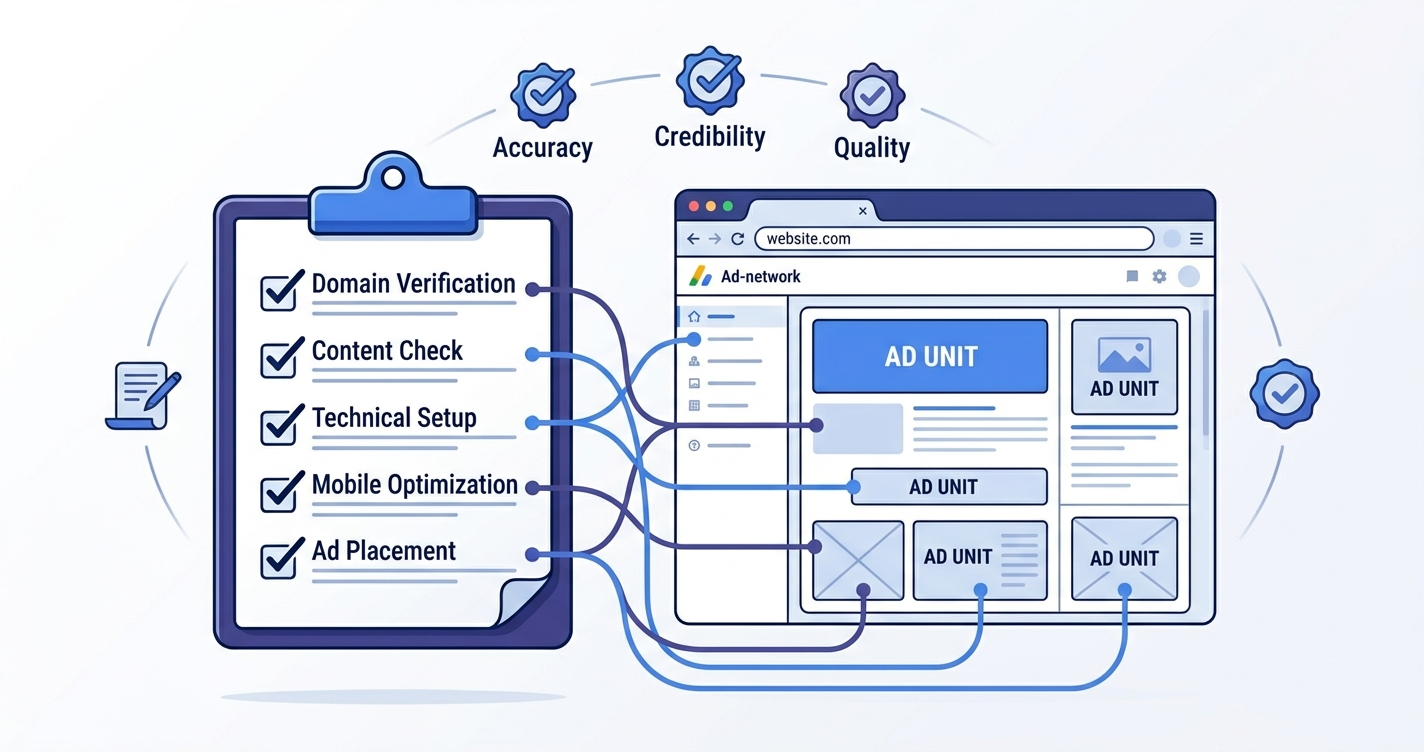
Google does not publish a magic number of posts or a minimum site age for AdSense. Its published checklist asks for original, high-quality content, a site you own and can edit, compliance with the AdSense Program policies, and pages that are reachable and easy to use. A privacy policy that discloses advertising cookies is also required. Use the interactive checklist below to find gaps before you apply.
Nobody can guarantee approval. Google reviews your whole site and may change its rules.
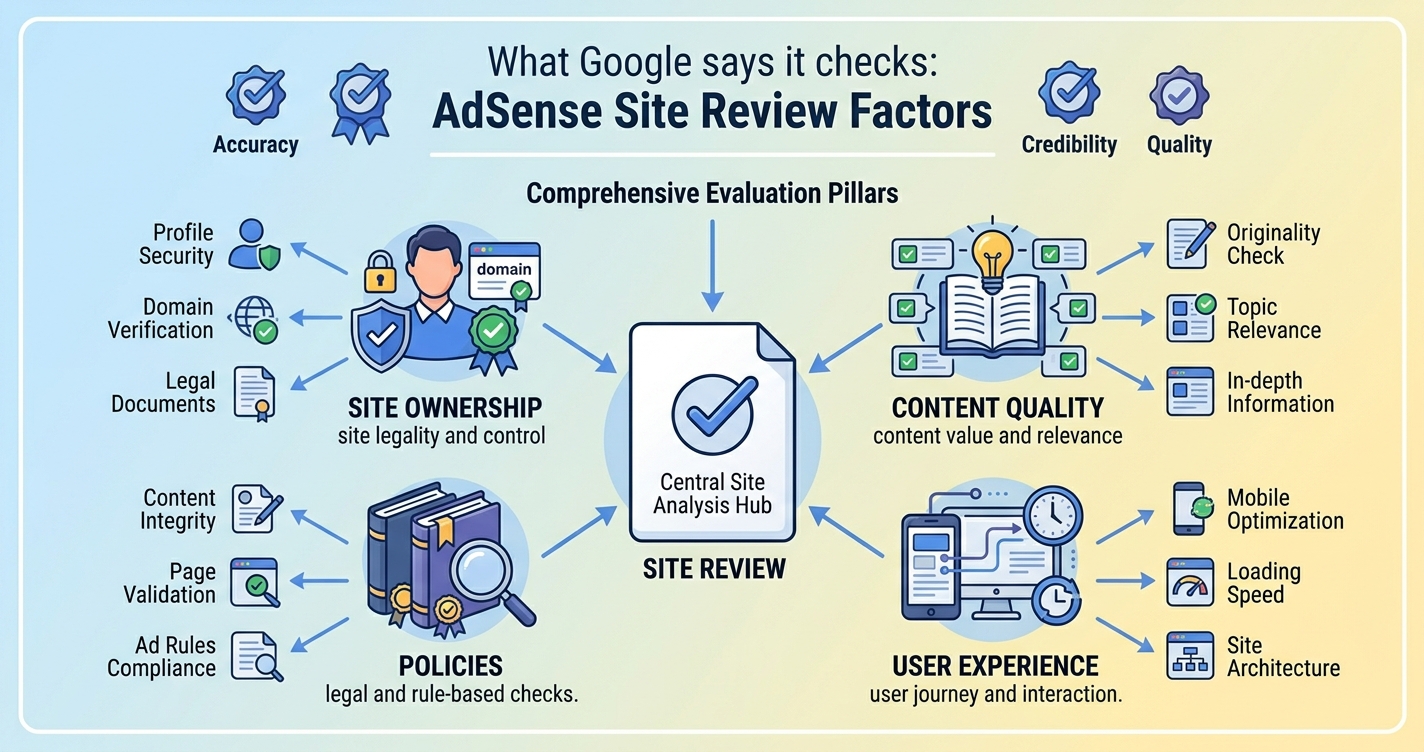
What Google says it checks
A lot of AdSense advice online invents rules. It is safer to start from what Google actually writes. Its AdSense eligibility requirements page asks whether you have your own unique and interesting content, whether that content complies with the Program policies, and whether the applicant is at least 18. Another note on the same page says you must be able to access the HTML source code of the site you submit, because you will need to place Google’s code on it.
Google also publishes a guide titled Make sure your site’s pages are ready for AdSense, and its policies can change at any time, so it is your responsibility to keep up with them. Read both pages yourself before you apply, because this article is a summary and not a substitute.
Interactive readiness checklist
Tick each item you can honestly confirm. The counter updates as you go, and the copy button lists what is still open. This is a self-check built from Google’s published requirements and common-sense publishing practice. It does not contact Google and cannot predict a decision.
0 of 20 done
Content: what “original and useful” looks like
Google asks for content that is high quality, original and attracts an audience. For a new blog, that comes down to whether each page gives a visitor something they could not get by reading ten similar pages in a row.
| Weak page | Stronger page |
|---|---|
| Restates what every other article says, in different words. | Adds a clear method, a worked example or a decision guide the reader can use. |
| A few hundred words stretched around a keyword. | Covers the question fully and stops when it is done. |
| Unchecked numbers, dates and claims. | Facts verified against official sources, with the source named. |
| Invented personal experience or fake reviews. | Honest about what you tested and what you did not. |
| Copied or spun text. | Written in your own words from your own understanding. |
Tip for beginners: read your three newest posts as if you were a stranger. If a post would not help you, rewrite it or remove it before you apply. Our guide to updating old blog posts shows a simple process, and our post on writing original, helpful posts with AI explains how to avoid generic drafts.
The pages every ad-supported blog needs
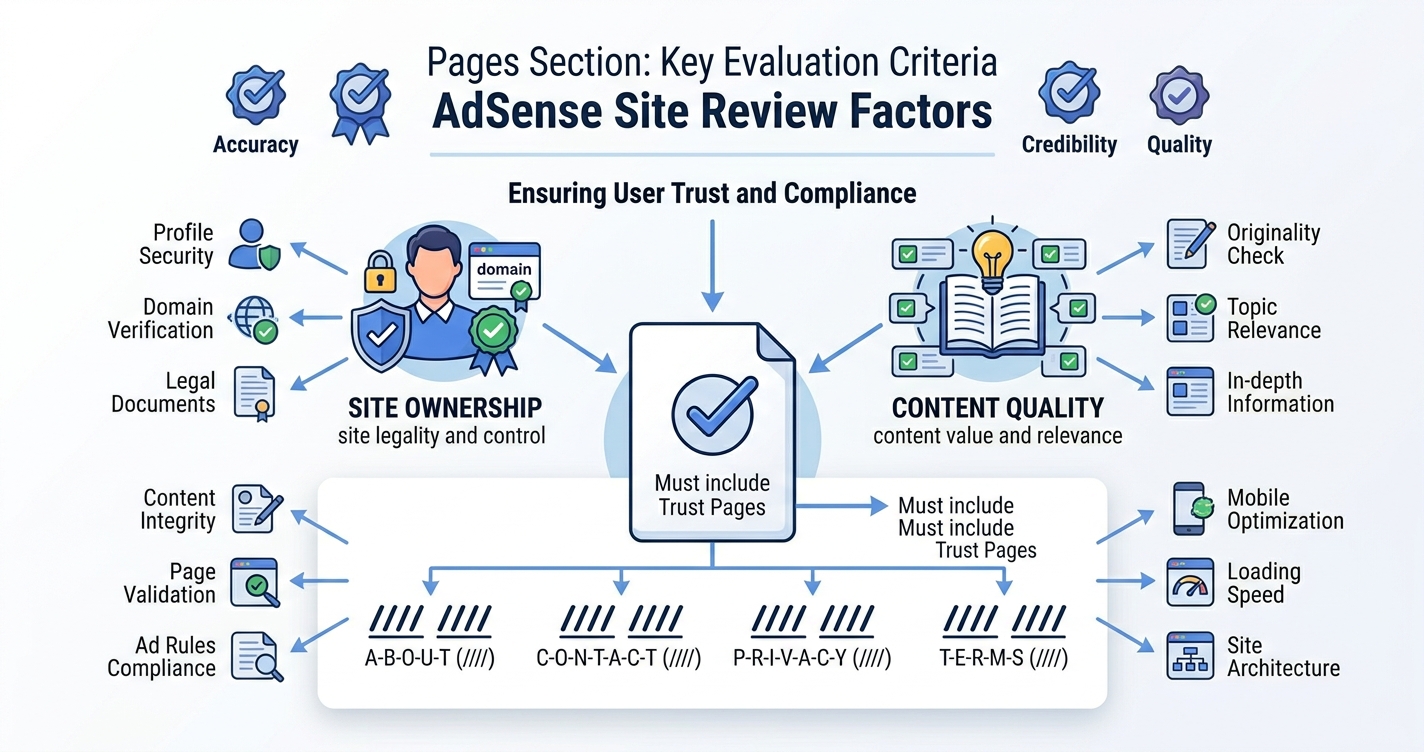
Google’s guidance stresses a good user experience and clear navigation. Beyond posts, a few supporting pages help visitors trust you and understand the site.
- About. Who writes the site, what it covers and why. Use real information only. Never invent an author, a credential or a company history.
- Contact. A real way to reach you, such as an email address or a form that works.
- Privacy Policy. Required for ad-supported sites, covered in the next section.
- Editorial or disclosure note (optional). A short statement of how you research, how you use AI tools and how you handle affiliate links, if you have any.
What your privacy policy must say about ads
Google’s help page on required content says your privacy policy should include a few specific points. In plain terms:
- Third-party vendors, including Google, use cookies to serve ads based on a visitor’s earlier visits to your site or other sites.
- Google’s use of advertising cookies lets it and its partners serve ads based on visits to your sites and other sites on the internet.
- Visitors can opt out of personalized advertising through Google’s Ads Settings.
- If other third-party vendors or ad networks serve ads on your site, you should notify visitors about them.
Google states that it cannot suggest specific privacy policy language, because sites and laws differ from country to country. You can read the details on Google’s required content page. This article is general information, not legal advice. If your audience includes the UK, EU, Canada or Australia, consider asking a qualified professional to review your policy and cookie notice.
Warning: do not copy another site’s privacy policy word for word. It will not describe your plugins, analytics or ad setup, and it may be incorrect for your situation.
If your site is not approved
Google’s own checklist for sites that are not approved is a good troubleshooting list. Check these first:
| What to check | Why it matters |
|---|---|
| Is the site published and live? | An unpublished or “coming soon” site cannot be reviewed. |
| Can anyone open it without a password? | A login wall or maintenance mode can block the reviewer. |
| Can the AdSense crawler reach it? | Security plugins or robots rules can block access. |
| Is the AdSense code on the pages you want to monetize? | Without it, the site cannot be matched to your account. |
| Does the whole site follow the Program policies? | Google reviews the site as a whole, not one page. |
If your site has been reviewed and is not ready, Google says the reason appears on the Sites page of your AdSense account. Read that reason, fix the real issue, and avoid deleting and re-adding the site repeatedly, because Google warns that changing a site that is still getting ready can delay the review.
Is it the right time to apply?
Good signs
- You have a focused set of useful, original posts.
- About, Contact and Privacy pages are live.
- The site works well on a phone.
- You have read the Program policies.
Warning signs
- Many short posts with little value.
- Duplicate or near-duplicate articles.
- Broken links or empty categories.
- Content you have not fact-checked.
If your site shows warning signs, spend a few weeks improving it first. Duplicate posts in particular dilute a small site, so merge them with proper redirects before you apply.
Common mistakes
- Applying with placeholder pages. Delete demo content and empty menu items first.
- Chasing a post count. Google gives no official number. Quality matters more than quantity.
- Copying a privacy policy. Write one that matches how your site actually works.
- Blocking the crawler. Maintenance mode and security rules can hide your site from the reviewer.
- Re-applying immediately without changes. Fix the real problem before asking for another review.
FAQ
How many posts do I need for AdSense?
Google does not publish a required number. Focus on having enough original, useful content that a reviewer can judge the quality of your site.
Does my site need to be a certain age?
Google’s eligibility page does not list a minimum site age in the wording we reviewed. Treat fixed numbers from blogs as unverified, and check the current page yourself.
Do I need a privacy policy?
Yes. Google’s required content policy says ad-supported sites need one that covers advertising cookies. Check the current wording on Google’s page.
Can I use AI to help write my posts?
You can, but the responsibility for accuracy and originality is yours. Fact-check everything and add real value. Never present invented tests or experience.
How long does the review take?
Review times vary, so no one can promise a date. Your AdSense account shows the current status of each site.
Will following this checklist guarantee approval?
No. Approval depends on your whole site, its content and Google’s review. The checklist helps you find avoidable problems.
Conclusion
AdSense approval is less about tricks and more about publishing a site that a reasonable reviewer would call original, useful and easy to use. Check ownership and access, strengthen your content, add honest About, Contact and Privacy pages, and read Google’s own pages before you apply. If you are rejected, treat the stated reason as a to-do list and improve the site rather than just resubmitting it.
Next step: run through the checklist above, fix the first three unchecked items, and then add your site to Search Console so you can watch how Google sees it.
Related reading


