
Search Intent Explained: How to Match Your Content to What People Want
Two people type "wordpress backup" into Google. One wants to know what a backup is. The other has a credit card out and wants a plugin tonight. Same words, different goals, and a page written for one will disappoint the other. Working out which goal sits behind a search is the part of SEO that decides whether everything else pays off.
Search intent is the reason behind a query: what the person wants to get done. Most searches fall into four groups: informational (learn something), navigational (reach a specific site), commercial (compare options before choosing) and transactional (act now). To match intent, look at the results Google already shows for the query, note the type and format of the pages that rank, and build the same kind of page, done better.
What search intent means
A keyword is what someone typed. Intent is why they typed it. Search engines have become very good at telling the two apart, and they rank pages that satisfy the why.
You can see this with any ambiguous word. Search for "apple" and you get a technology company, not fruit, because that is what most people entering that word want. Search for "how to prune an apple tree" and the results change completely. Google is not matching strings of letters. It is predicting a goal and showing pages that have satisfied that goal for other people.
The consequence for anyone publishing content is direct. You can write an accurate, well-structured, thoroughly optimised article and still not rank, because it is the wrong kind of page for that query. A 2,500-word guide will struggle for a search where people want a calculator. A product page will struggle where people want an explanation.
Google's own Search Quality Rater Guidelines, the public document used to train the people who evaluate its results, ask raters to judge how well a page meets the user's need behind a query. The four-type model in this guide is the simplified version most SEO practitioners use day to day.
The four types of intent
"I want to know"
The searcher wants an answer or an explanation. Signals: how, what, why, guide, tutorial, examples, meaning.
"I want to go"
They already know the destination. Signals: brand or product names, login, dashboard, support, official site.
"I want to compare"
They plan to choose something and are researching first. Signals: best, top, vs, review, alternatives, comparison.
"I want to do"
They are ready to act. Signals: buy, price, discount, download, sign up, book, order, free trial.
Here is the same subject, WordPress hosting, at each stage:
| Query | Intent | What the searcher expects |
|---|---|---|
| what is managed wordpress hosting | Informational | A clear explanation with pros and cons |
| shared vs managed wordpress hosting | Commercial | A side-by-side comparison and a recommendation by use case |
| best wordpress hosting for small business | Commercial | A shortlist with criteria and prices |
| [host name] pricing | Transactional | The plan page with current prices |
| [host name] login | Navigational | The login page, nothing else |
One site can serve all four, but rarely with one page. Our own article on how to choose WordPress hosting is written for the informational and early commercial searcher: it explains types and criteria and deliberately names no winners.
A fifth pattern: local intent
Queries such as "laptop repair near me" or "web designer in Leeds" are sometimes treated as a separate type. The person wants a nearby business, and the results page shows a map with local listings. If you serve a geographic area, treat these as their own group.
Keyword intent tool
Enter up to 20 keywords, one per line. The tool looks for the modifier words that usually signal each intent, labels every keyword and suggests a content format.
Keyword Intent Tool
A rule-based helper that runs in your browser. It matches words such as "how", "best" or "buy" against fixed lists. It does not use AI or live search data, so always confirm the result by looking at the actual search results.
How to read intent from the results page
Modifier words give you a first guess. The results page gives you the answer, because it shows what Google has already learned satisfies that query. Before writing anything, search the keyword in a private window and look for three things.
- Content type. Are the top results articles, product pages, category pages, tools, videos or forum threads? If eight of ten are product pages, an article will have a hard time.
- Content format. Among articles, are they step-by-step tutorials, list posts, comparisons, definitions or opinion pieces? The dominant format tells you how people want the answer delivered.
- Content angle. What do the titles promise? "For beginners", "free", "in 5 minutes", "2026", "without a plugin". Repeated angles show what searchers care about.
Then look at the features Google adds to the page. They are strong clues:
| Feature on the results page | What it suggests |
|---|---|
| Featured snippet or direct answer box | Informational: people want a quick, clear answer |
| "People also ask" questions | Informational: related questions worth covering |
| Shopping results or product grids | Transactional or commercial |
| Map with local listings | Local intent |
| Video carousel | People want to watch it being done |
| Site links under one brand's result | Navigational: most people want that site |
| AI-generated overview | Often informational; a simple fact may be answered without a click |
Open the top three results and skim them. Note what each one does well and what it leaves out. The gap they share is usually your opening: a missing example, an outdated screenshot, no comparison table, no tool.
Matching content format to intent
| Intent | Formats that fit | What to put first | Sensible next step for the reader |
|---|---|---|---|
| Informational | How-to guide, explainer, checklist, glossary entry, calculator | The answer, in two or three sentences | A related guide or a deeper tutorial |
| Commercial | Comparison, "best for" list, review, alternatives page | The recommendation and who it suits | Detailed review or the product's own page |
| Transactional | Product page, pricing page, sign-up or download page | What it is, price, and the action button | Checkout, sign-up or contact |
| Navigational | Homepage, login page, support hub, clear brand pages | The destination itself | None needed |
Two rules follow from this table. First, answer early. An informational searcher who has to scroll past four paragraphs of background to reach the answer will go back to the results. Second, match the depth. "What is a slug" deserves a short, exact answer with one example. "How to migrate WordPress to a new host" deserves every step.
Writing the intent down before you start keeps the article on track. Our content brief template has a field for exactly this.
When you match intent
- Visitors find what they came for
- Fewer quick returns to the results page
- The page can rank for many related queries
- Clearer choice of format and length
When you miss it
- Good content that does not rank
- Traffic that leaves immediately
- Pages competing with your own other pages
- Time spent on the wrong kind of article
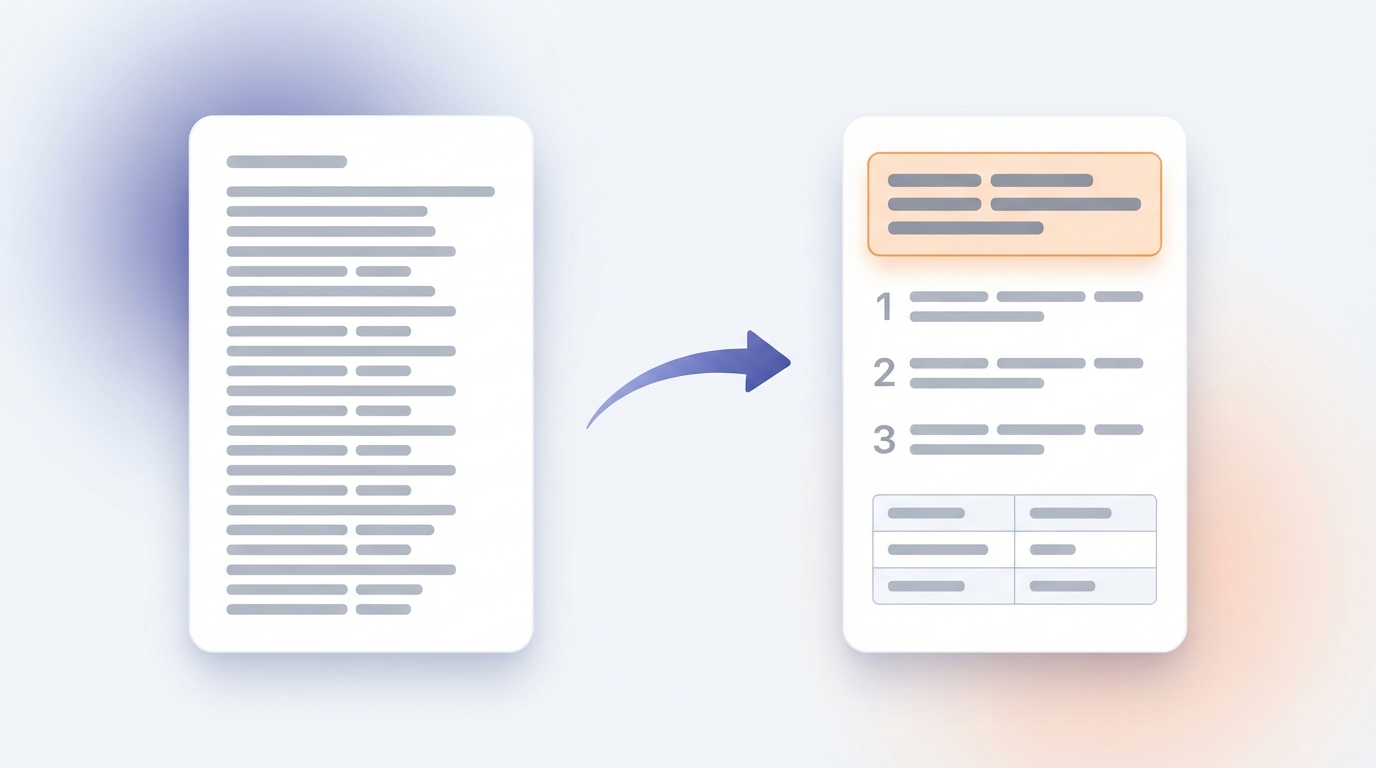
Mixed and shifting intent
Not every query fits one box. Short, broad keywords often have mixed intent. Search "email marketing" and you may see a definition, a beginner's guide, a list of tools and a couple of product homepages together. Google is hedging because different people mean different things.
You have two options with a mixed query:
- Serve the dominant intent. Count the results. If six of ten are guides, write the guide.
- Go more specific. Target a longer version of the query where intent is clear, such as "email marketing for small online shops". Lower volume, but you know what to build and competition is usually lighter.
Intent also changes over time. A query about a new product starts informational ("what is it"), becomes commercial ("is it worth it", "vs the old one") and ends transactional ("price", "buy"). Seasonal topics swing the same way each year. A page that matched last year's results can slip because the results moved, not because the page got worse. That is one of the main reasons to review older posts; see how to update old blog posts.
How to fix a page that misses intent
If a page sits on page two or three for its main keyword despite being solid, check intent before anything else.
- Find the queries it actually appears for. In Search Console, open the Performance report, filter by the page and read the Queries list.
- Search the main query. Note the type, format and angle of the top five results.
- Compare honestly. Is your page the same kind of thing? If the results are step-by-step tutorials and yours is an essay, that is the problem.
- Restructure, do not just add words. Move the answer to the top. Change the format to match: add numbered steps, a comparison table or a tool. Cut sections that serve a different intent.
- Rewrite the title and opening so the searcher can tell in five seconds that the page is what they wanted.
- Split if needed. If one page is trying to explain, compare and sell at once, give each job its own page and link them together.
- Record the date and re-check in four to eight weeks.
When you split or create pages by intent, make sure two of them do not end up answering the same question. That creates internal competition. Our guide to keyword cannibalization explains how to check.
Common mistakes
- Choosing keywords by volume alone. A high-volume keyword with the wrong intent for your page type brings nothing.
- Trusting modifiers without checking results. "Free" can be transactional (free download) or informational (is it free). The results page settles it.
- Burying the answer. Long introductions before the point are the most common reason informational pages lose readers.
- Forcing a sales pitch into an informational page. Readers who came to learn leave when they feel pushed. Offer a relevant next step instead.
- One page for every intent. A page that tries to explain, compare and sell tends to do none of them well.
- Copying the top result's structure exactly. Match the type and format, then add what the existing pages lack.
- Ignoring your own data. Search Console shows which queries a page really gets. Those tell you how Google has read its intent.

Pre-writing checklist
FAQ
It is the goal behind a search: what the person hopes to learn, find, compare or do. Matching it means giving them the kind of page that achieves that goal.
Search it and study the first page. The type and format of the pages that rank, along with features such as shopping results, maps or answer boxes, show what Google has found satisfies that query.
Commercial intent is research before a decision: comparing, reading reviews, looking for the best option. Transactional intent is the decision itself: buying, signing up, downloading. Commercial searchers want help choosing; transactional searchers want the page where they can act.
Sometimes, when the intents are close, such as an explanation followed by a short comparison. For clearly different intents, separate pages work better, with links between them.
Yes. It can shift as a product matures, with the seasons, or after news events. Recheck the results for your important keywords a few times a year.
Usually only if you have a page where the action can happen. Blogs are best suited to informational and commercial queries. Pointing readers from those articles to a relevant product, tool or service page is how a blog supports transactions.
They are a useful first sort for long lists, and they work the same broad way as the tool on this page: by pattern. Treat any automatic label as a guess until you have looked at the results yourself.
Conclusion
Search intent is the difference between a page that is about a topic and a page that solves the searcher's problem. Classify the query, confirm it against the live results, build the type and format of page those results call for, and put the answer where the reader will see it first. Do that before you write, and the rest of your SEO work has something solid to stand on.
Official references
- Google Search Central: creating helpful, reliable, people-first content
- Google Search Central: SEO starter guide
- Google Search Quality Rater Guidelines (PDF)
- Search Console Help: Performance report
Next step
Paste the keywords for your next five posts into the intent tool, then check each one against the live results. Once the right page exists, make sure it loads quickly: see how to set a page weight budget.