Topic Clusters: How to Plan a Content Hub That Covers a Subject Properly
A topic cluster is a pillar page plus a set of supporting posts, linked so that readers and search engines can see the whole subject in one place. This guide explains why the structure helps, how to pick a topic you can own, how to map the cluster before writing, how to link it, and how to measure whether it worked.
Most small blogs grow one post at a time: a keyword looks promising, a post gets written, and six months later the site is forty unrelated articles that each compete alone. A topic cluster is the alternative. You choose one subject your audience cares about, write a pillar page that covers it end to end, and surround it with posts that each answer one specific question in depth, all linked to one another. The site stops being a list and becomes a reference, which is easier for readers to use and easier for search engines to understand.
Nothing about this is a trick. Google’s SEO Starter Guide says that “Google primarily finds pages through links from other pages it already crawled,” that grouping similar topics in directories “can help Google learn how often the URLs” in each change (advice aimed at larger sites, but the principle of grouping holds), and that good anchor text lets “users and search engines” understand “what your linked pages contain.” A cluster is simply a disciplined way to do all three. The guidance on helpful content adds the question every cluster should answer: “Does your site have a primary purpose or focus?”
Quick answer
- A cluster is one pillar page (the broad guide) plus roughly 6 to 15 supporting posts (one specific question each), all linking to the pillar and to the related posts.
- Pick a topic narrow enough to cover completely and broad enough to support a dozen posts; the keyword research you already do tells you which.
- Map every post, its keyword, and its links in a spreadsheet before writing, so no two posts compete for the same query.
- Publish the pillar early, add supporting posts on a schedule, and judge the cluster by impressions and clicks across the whole group, not post by post.
What a topic cluster is
Three parts, each with a job:
- The pillar page covers the whole topic at a useful depth: long enough to answer the broad question on its own, structured so that each section points to the post that goes deeper. It targets the broad keyword.
- Supporting posts (sometimes called cluster content) each answer one specific question thoroughly and target one specific keyword. They link up to the pillar and sideways to the other posts that are relevant.
- The links are what make it a cluster rather than a category. Every supporting post links to the pillar; the pillar links to every supporting post; posts link to each other where it helps the reader.
The structure is often drawn as a hub with spokes. In practice it is closer to a well-organized chapter of a book: an overview, then sections, each of which can be read alone.
Why clusters work better than scattered posts
For readers, the benefit is obvious: a person who lands on “how to compress images for WordPress” and wants to know which format to use can get there in one click instead of a new search. For search engines, the benefits follow from the same structure.
- Discovery. Every new post in the cluster is linked from the pillar and from its neighbours the day it is published, which is how Google finds pages in the first place.
- Clarity. Descriptive internal links tell Google what each page is about, and a pillar that links to a dozen posts on one subject is a strong statement of what the site covers.
- No self-competition. Mapping the cluster first means one post per question. Our guide to keyword cannibalization explains what happens when two posts chase the same query; a cluster plan prevents it by design.
- Depth where it counts. A cluster lets you cover a subject properly instead of writing one shallow post about everything, which is what Google’s helpful-content guidance asks about: content that leaves the reader “feeling they’ve learned enough about a topic to help achieve their goal.”
What a cluster does not do is guarantee rankings. It makes a site easier to crawl, understand and use; competition, content quality and authority still decide the rest.
Step 1: Choose a topic you can cover completely
The right cluster topic is a subject, not a keyword: “WordPress site speed,” not “how to speed up WordPress.” Test a candidate against four questions.
-
Can you list ten real questions about it?
Write them down. If you run out at five, the topic is a supporting post inside a bigger cluster, not a cluster of its own. If you pass thirty, it is two clusters.
-
Does your audience ask them?
Use the methods in our guide to keyword research for beginners: Search Console queries you already get, autocomplete, the “People also ask” boxes, and forum questions. You are looking for evidence that people search for these questions, not for volume figures.
-
Can you answer them better than what already ranks?
Search each question and read the top results. If they are thin, outdated, or generic, you have an opening. If they are excellent and from large sites, choose a narrower subject where a small site can be the best resource.
-
Does it fit what the site is for?
A cluster on a subject unrelated to the rest of the site dilutes the “primary purpose or focus” Google asks about. Start with the subject you already have the most posts on; you may be half-way to a cluster already.
Step 2: Map the cluster before you write
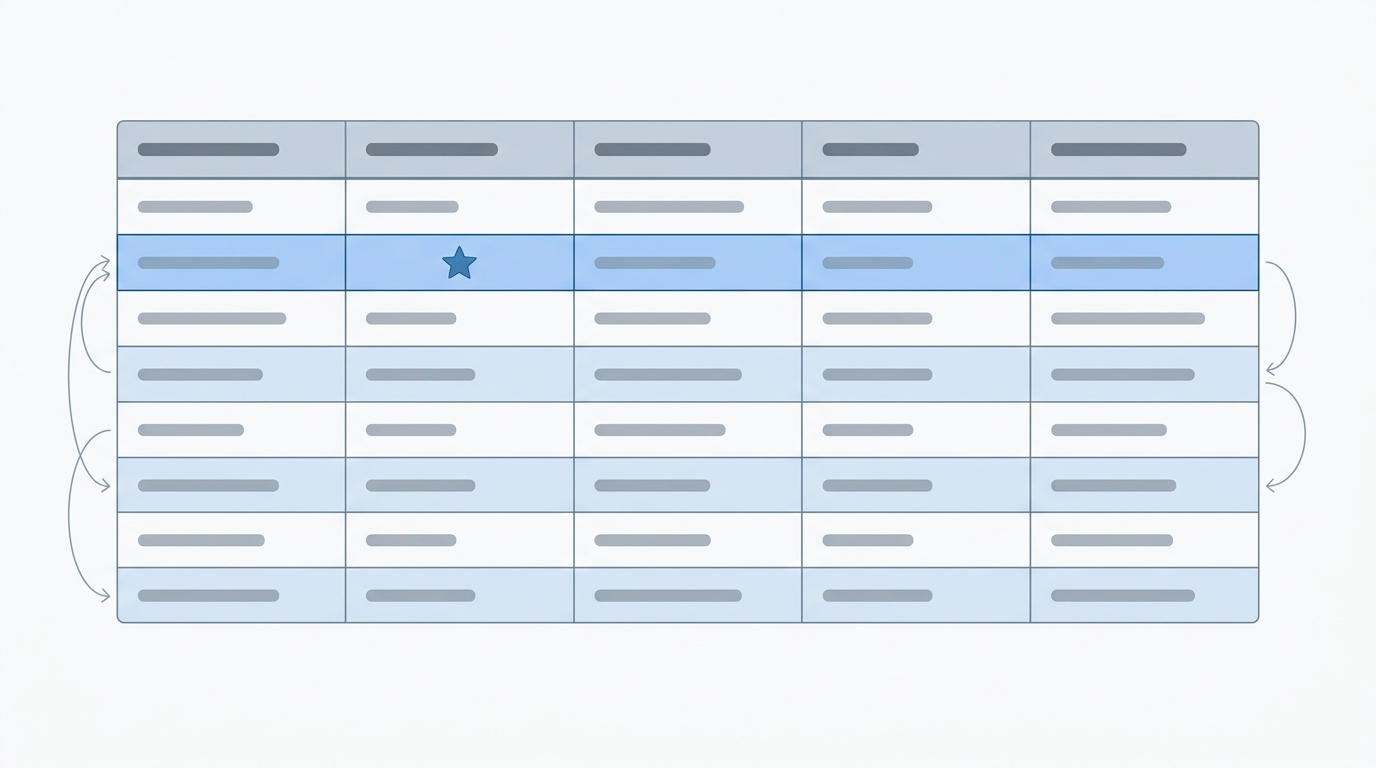
A spreadsheet with one row per post is the whole planning tool. Fill it in completely before writing anything, because the map is where you catch duplicate intents and gaps.
| Column | What goes in it | Why |
|---|---|---|
| Working title | The question the post answers, as a reader would ask it | Keeps each post to one question |
| Role | Pillar or supporting | One pillar per cluster |
| Target query | The one phrase this post should rank for | If two rows share a query, merge them |
| Intent | How-to, comparison, definition, troubleshooting | Format follows intent; see our guide to search intent |
| Status and URL | Exists already, needs updating, or to be written; the slug | Existing posts join the cluster; some need rewriting to fit |
| Links to | The pillar plus two or three sibling posts | The linking plan is written before the post is |
| Publish date | A slot in your calendar | Clusters are finished on a schedule or not at all |
As a rule of thumb, aim for one pillar and 6 to 15 supporting posts. Fewer than six and the pillar can cover everything itself; more than fifteen and the subject probably splits. Our guide to building a blog content calendar has a free planner that works for this.
Step 3: Write the pillar page
The pillar is the page you would send someone who asked, “Where do I start with this?” It should be complete enough to be useful on its own and structured so that every major section hands off to a supporting post for depth.
- Lead with the overview, not the history. The first screen says what the subject is, who it is for, and what the page covers.
- One H2 per sub-topic, in the order a beginner needs them, each summarizing the answer in a few paragraphs and linking to the post that goes further with descriptive anchor text.
- Include a table of contents; pillar pages are long, and jump links are how readers use them.
- Target the broad query in the title, URL and introduction, naturally. The pillar is the page that should rank for the subject itself.
- Publish it before the cluster is finished, with the sections for unwritten posts present but unlinked. Add links as each post goes live; a pillar that waits for perfection never ships.
Length follows the subject. A pillar is usually the longest page in the cluster, but it is not a dumping ground; if a section runs past a few paragraphs, that is the signal it should be a supporting post.
Step 4: Write the supporting posts
Each supporting post answers one question completely, for someone who arrived from a search and may never see the pillar. That means it needs its own introduction, its own answer, and its own conclusion; it should not assume the reader has context. Our on-page SEO checklist covers the mechanics. Two cluster-specific rules:
- Stay in your lane. When a supporting post starts explaining a neighbouring question, link to the neighbour instead of answering it again. Overlap is how clusters decay into cannibalization.
- Reuse the vocabulary. Call things the same names across the cluster, and use those names as anchor text. Consistency helps readers and makes the links more descriptive.
Existing posts that fit the map join the cluster, but read them first. A post written two years ago for a different angle often needs its introduction and links rewritten to fit; our guide to updating old blog posts covers that decision.
Step 5: Link the cluster
The links are the part most people do half-way. The minimum that makes a cluster work:
- Every supporting post links to the pillar, in the body text, early, with anchor text that names the subject.
- The pillar links to every supporting post from the relevant section, not just from a list at the end.
- Supporting posts link sideways to two or three siblings where the reader would want them. Not every post needs to link to every other.
- Anchor text describes the destination. “Compressing images for WordPress” tells the reader and Google what is on the other end; “this guide” tells neither. Google’s starter guide says appropriate anchor text helps “users and search engines” understand what linked pages contain.
- Navigation helps but is not enough. A category page or menu that lists the cluster is useful; contextual links inside the text are what carry meaning.
Our guide to internal linking for blogs includes a free tool for finding sentences in existing posts where a link belongs, which is the fastest way to connect older content into a new cluster.
Step 6: Measure and maintain it
Judge the cluster as a group. In Google Search Console’s Performance report, filter pages by the cluster’s URL pattern (a shared category or directory makes this easy) and compare impressions and clicks over the three months after the cluster is complete with the three months before. A quarter is our suggestion, not Google’s; its starter guide says changes can take anywhere from hours to months to show. Three things to watch:
- The pillar’s queries. It should gather impressions for the broad terms. If a supporting post is appearing for the broad query instead, the pillar needs strengthening or the two need clearer separation.
- Supporting posts with impressions but no clicks. Their titles do not match what searchers want; our guide to the Performance report shows how to find and fix them.
- Questions you missed. The Queries tab will show searches that reached the cluster but have no dedicated post. Those are the next rows in the map.
Maintenance is light but real: when a supporting post is updated, check the pillar’s summary of it still matches; when a new post is added, add its links in both directions the same day. A cluster that stops being maintained drifts back into a pile of posts.
A worked example
Suppose a WordPress blog decides to own the subject of site speed. The map might look like this:
| Post | Role | Target query | Links to |
|---|---|---|---|
| How to speed up a WordPress website | Pillar | speed up WordPress website | Every supporting post, from its section |
| Why is my WordPress site slow? | Supporting (troubleshooting) | why is my WordPress site slow | Pillar; caching; hosting |
| Core Web Vitals explained | Supporting (definition) | Core Web Vitals WordPress | Pillar; images; page weight |
| How to compress images for WordPress | Supporting (how-to) | compress images WordPress | Pillar; image formats; page weight |
| WebP vs JPEG vs PNG | Supporting (comparison) | WebP vs JPEG vs PNG | Pillar; compress images |
| Page weight and performance budgets | Supporting (concept) | page weight performance budget | Pillar; Core Web Vitals |
| WP Rocket review | Supporting (review) | WP Rocket review | Pillar; why is my site slow |
| How to choose WordPress hosting | Supporting (comparison) | choose WordPress hosting | Pillar; why is my site slow |
Every row in that table already exists on this site, including the pillar, which is the point: a cluster plan usually starts by recognizing the cluster you have half-built. What the map then exposes is the work left: making sure every link runs in both directions, and the gaps (a caching guide, a CDN guide, a plugin-bloat guide) that become next quarter’s calendar. It also exposes a mistake: this site has an older post on the best image format for the web that overlaps with the WebP comparison, exactly the duplicate intent the map is meant to catch, and merging or sharpening those two is the first job.

Common mistakes
Frequently asked questions
How many posts does a topic cluster need?
One pillar and roughly 6 to 15 supporting posts. Below six, the pillar can usually cover the subject alone; above fifteen, the subject is probably two clusters.
Should the pillar be a page or a post in WordPress?
Either works for search. A page keeps it out of the dated blog stream and makes it easy to feature in the menu; a post keeps it in the category with its cluster. Choose by how your theme displays each, and keep the URL short.
Do I need a special plugin for topic clusters?
No. A spreadsheet for the map and ordinary links in the editor are all it takes. Some SEO plugins can suggest internal links, which saves time, but the structure comes from the plan, not the tool.
Can I turn existing posts into a cluster?
Yes, and that is the best way to start. List the posts you already have on one subject, write the pillar that ties them together, update their introductions and links, and fill the gaps with new posts.
How long until a cluster shows results?
Allow a full quarter after the cluster is complete before judging it, and compare the group’s impressions and clicks with the previous quarter. There is no guaranteed outcome; the structure improves discovery and clarity, and the content has to do the rest.
Conclusion
A topic cluster is a plan for covering one subject completely: a pillar that answers the broad question, supporting posts that each answer one specific question, and links in both directions with anchor text that says what is on the other end. It works because it matches how readers explore a subject and how Google discovers and understands pages. Choose a subject you can finish, map it before you write, publish the pillar early, link relentlessly, and measure the group rather than the post. The result is a site that reads like a reference instead of an archive.
Open your post list, find the subject you have written about most, and put those posts into the map above. The gaps in the map are your next three articles, and the pillar is the one after that.
Sources
- SEO Starter Guide: The Basics, Google Search Central
- Creating helpful, reliable, people-first content, Google Search Central