Online Tools & Image Optimization
WebP vs JPEG vs PNG: Which Image Format Should You Use on Your Website?
The format you save an image in decides its file size, sharpness and whether it can be transparent. Compare the main web formats in plain English, then get a recommendation for your own image with a free tool.
Use JPEG or WebP for photos, PNG or lossless WebP for screenshots and sharp-edged graphics, SVG for logos and icons when you have a vector file, and short video or animated WebP instead of large GIFs. WebP is often smaller than JPEG and PNG at similar quality and works in modern browsers, while JPEG and PNG remain the safest choices for maximum compatibility.
Not sure which applies to your image? The free format recommender below gives a recommendation from four quick questions. It is a rule-based tool in your browser, not AI.
You export a photo, upload it, and your page suddenly feels heavy. Or you save a logo as a JPEG and its edges turn muddy. The format you save an image in decides how big the file is, how sharp it looks and whether it can have a transparent background. This guide explains the main web image formats in plain English and helps you pick the right one for each job.
The formats at a glance
| Format | Compression | Transparency | Animation | Best for |
|---|---|---|---|---|
| JPEG | Lossy | No | No | Photographs, where wide compatibility matters. |
| PNG | Lossless | Yes | No (in normal use) | Screenshots, logos, graphics with sharp edges or text. |
| WebP | Lossy or lossless | Yes | Yes | Photos and graphics when you want smaller files. |
| AVIF | Lossy or lossless | Yes | Yes | Newer format that can be smaller still. Check support in your tools first. |
| SVG | Vector (not pixels) | Yes | Can be animated | Logos, icons and simple illustrations. |
| GIF | Lossless, 256 colours | Limited | Yes | Very short loops where compatibility matters. Often large. |
“Lossy” means the format throws away detail you are unlikely to notice to make the file smaller. “Lossless” keeps every pixel, so files are usually larger. Features and browser support change over time, so check current documentation such as MDN’s image format guide before relying on a newer format.
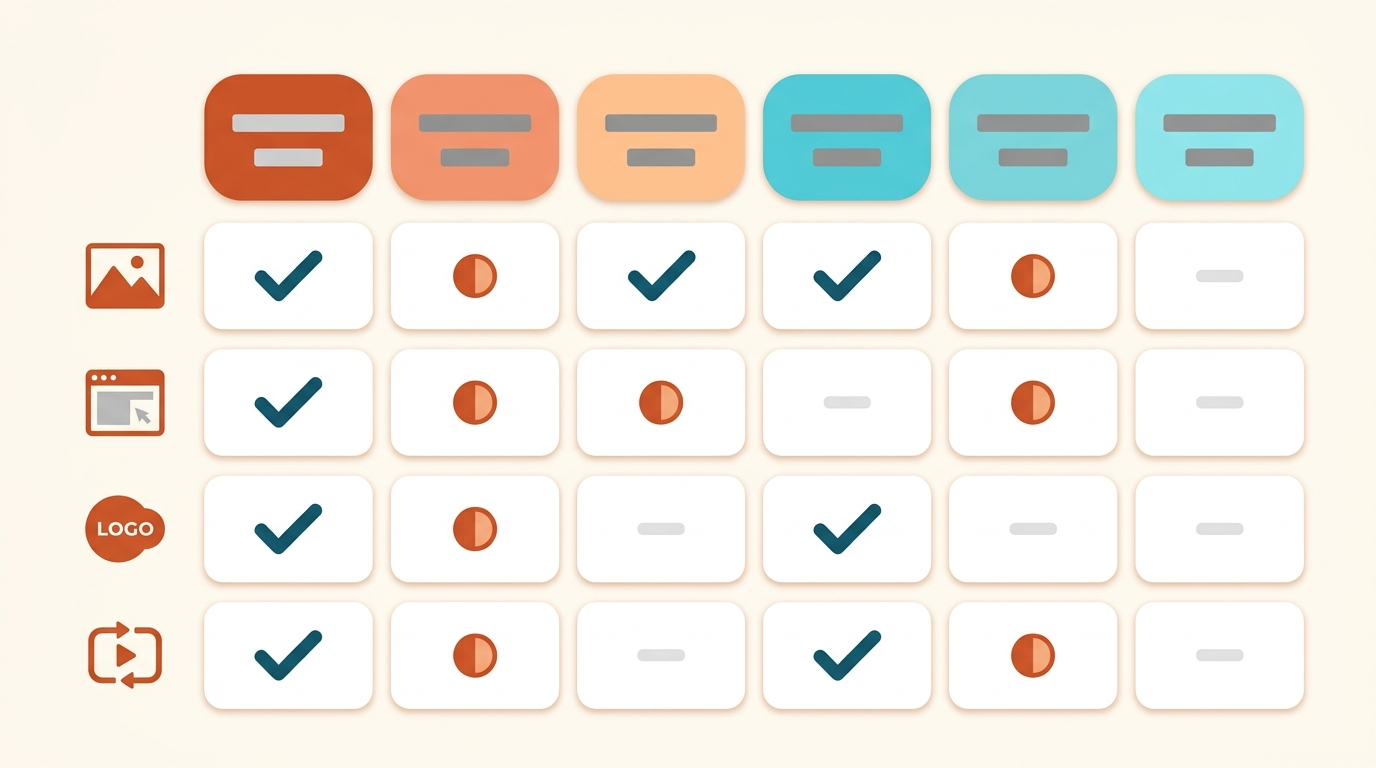
Image format recommender
Answer four questions and get a recommended format, a backup option, a settings tip and things to watch for. It follows fixed rules written for this article, so the same answers always give the same result and different answers give different results. It is not AI, it does not look at your image, and nothing leaves your browser.
Try an example:
How the formats really differ
Photos: JPEG and WebP
Photos contain smooth gradients and fine detail, which lossy compression handles well. JPEG works almost everywhere. WebP is often smaller at similar visual quality, and modern browsers support it, but a very old browser or app may not.
Screenshots and text: PNG and lossless WebP
Lossy compression blurs thin lines and text, which is why screenshots saved as JPEG look fuzzy around letters. PNG keeps edges sharp, though files can be large. Lossless WebP can be a smaller alternative.
Logos and icons: SVG first
An SVG is a set of shapes, not pixels, so it stays sharp at any size and is usually tiny. If you only have a pixel version, PNG with transparency is the safe fallback. WordPress does not accept SVG uploads by default for security reasons, so enable it only through a trusted method and upload only files you trust.
Animation: avoid big GIFs
GIF is limited to 256 colours and files grow quickly. For anything longer than a short loop, a small MP4 or WebM video is usually lighter. Animated WebP is an option for short loops.
Illustrative example (made-up numbers, not a test): A 1,600 px wide blog photo saved as a high-quality JPEG might be several hundred kilobytes. Exported as lossy WebP at a similar visual quality, it may be noticeably smaller. Always compare the two files at full size before you decide.
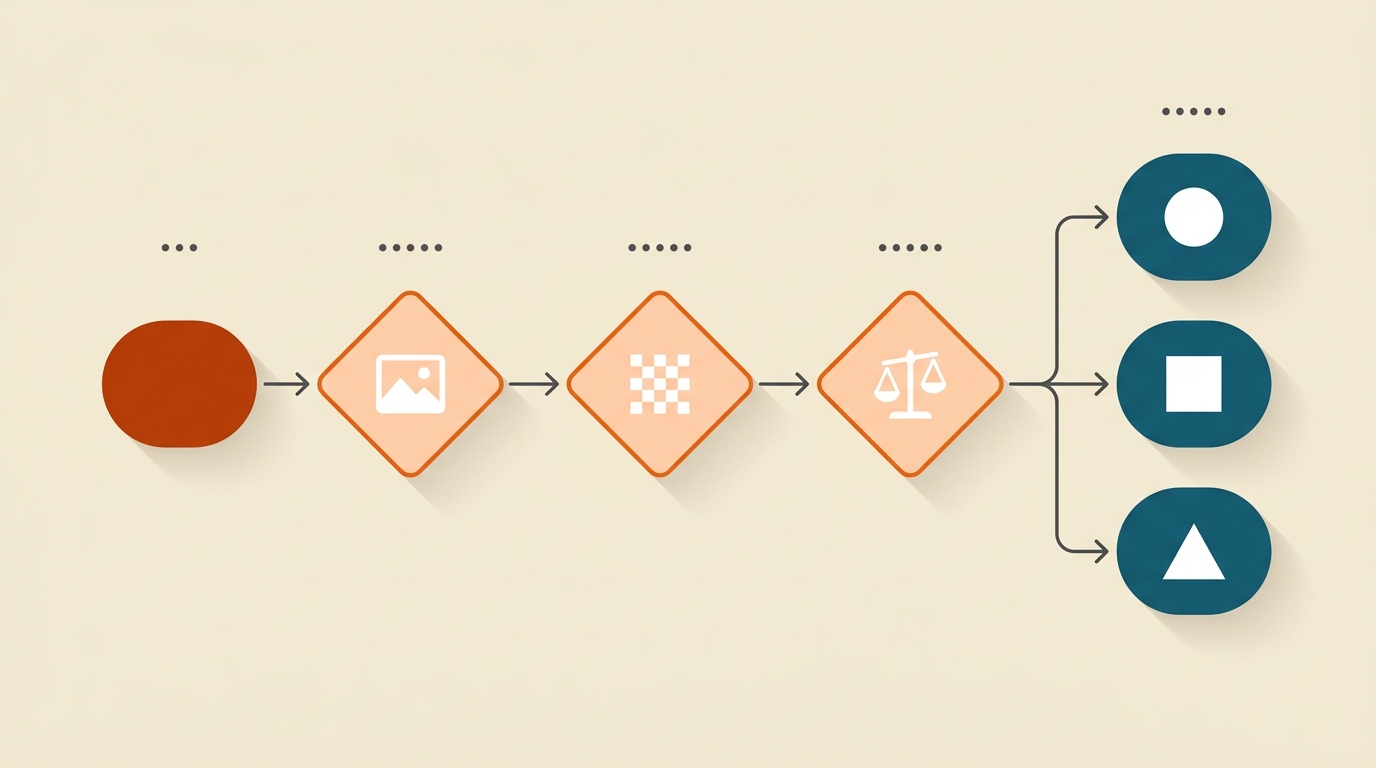
How to choose in four questions
- What is the image? Photos, screenshots, logos and animations each have a different best format.
- Does it need transparency? JPEG cannot do it. PNG, WebP, AVIF and SVG can.
- What is your priority? Smallest files point toward WebP or AVIF. Maximum compatibility points toward JPEG and PNG.
- Will you need the original later? Keep a full-quality master (TIFF, PNG or the camera original) and publish a separate web copy.
Using these formats in WordPress
- WebP: modern WordPress versions accept WebP uploads. If an upload is refused, check your WordPress version and hosting settings.
- AVIF: support depends on your WordPress version, your server and any image plugin, so test it before you rely on it.
- SVG: not allowed by default. Use a trusted plugin or theme feature, and only upload SVG files from sources you trust.
- Resizing: WordPress creates smaller copies of uploads, but it does not choose the best format for you. Resize and compress first. Our guide to compressing images for WordPress includes a browser-based compressor, and our website image size guide lists dimensions for each use.
Heavy images are one of the common reasons a page feels slow. If you want the bigger picture, read why a WordPress site is slow and our guide to a page weight performance budget.
A simple workflow
- Start from the original file, not a copy you have already compressed.
- Resize to the width the page actually shows.
- Pick the format with the recommender or the table above.
- Export, then compare the result with the original at full size.
- Give the file a descriptive name and add ALT text when you upload it.
Common mistakes
- Saving a screenshot as a JPEG. Text and lines become fuzzy.
- Using JPEG for a logo with a transparent background. The transparency becomes a solid colour.
- Uploading a PNG photo. It is usually far larger than a JPEG or WebP.
- Converting a compressed file again and again. Each lossy pass lowers quality. Always export from the original.
- Using GIF for long animations. A short video is usually lighter.
- Trusting a rule without checking. Compare the real files, because results depend on the image.
Troubleshooting
My WebP image does not show
Very old browsers or apps may not support it. Offer a JPEG or PNG version where compatibility matters, or check how your theme or image plugin serves fallbacks.
My PNG is huge
Resize it to the displayed width first. If it is a photo, switch to JPEG or WebP. If it is a flat graphic, reducing the number of colours can help.
The edges of my logo look blurry
The image was probably saved at a low resolution or as a lossy format. Use SVG, or export a larger PNG.
WordPress will not let me upload the file
The format may not be allowed by default (SVG, for example), or your WordPress version may not support it. Convert to a supported format.
The recommender says to choose an option
All four questions need an answer. Choose one in each list and try again.
FAQ
Is WebP better than JPEG?
Often smaller at similar quality, and widely supported in modern browsers. JPEG is still the most compatible option, so the best choice depends on your priority.
Should I convert all my old images to WebP?
Not necessarily. Start with the largest images on your most visited pages, and compare quality before you replace anything.
When should I use PNG instead of JPEG?
Use PNG for screenshots, text and graphics with sharp edges or transparency. Use JPEG for photos.
Is AVIF better than WebP?
It can produce smaller files, but support and encoding speed vary. Test it in your setup before you commit.
Does the recommender look at my image?
No. It uses your four answers and fixed rules. It does not read or upload the image.
Does the image format affect SEO?
Smaller, well-sized images help pages load faster, which is good for visitors. The format alone does not guarantee any ranking result.
Conclusion
Choosing a format comes down to the type of image, whether it needs transparency, what you care about most and where it will be used. Use JPEG or WebP for photos, PNG or lossless WebP for sharp graphics, SVG for logos and short video instead of heavy GIFs. Then resize, compress and compare the result before you publish.
Haven’t tried the format recommender yet? Answer four questions and get a recommendation for your next image.
Related reading