
SEO-Friendly URLs: How to Write Clean Slugs and Set WordPress Permalinks
A URL is the one part of a page that appears everywhere: in search results, in browser tabs, in messages, in analytics and in every link anyone ever makes to you. It is also the part most site owners set once by accident and regret for years. Getting it right takes two minutes per post, and getting it wrong is tedious to undo.
An SEO-friendly URL is short, readable and describes the page: lowercase words separated by hyphens, with no dates, IDs or filler. In WordPress, choose the Post name permalink structure under Settings → Permalinks, then edit each post's slug to three to five meaningful words before you publish. Do not change the URL of a page that is already live unless you add a 301 redirect from the old address to the new one.
01Why URLs matter
A URL does three jobs. It tells a browser where the page lives, it tells a person what to expect before they click, and it gives search engines one more small clue about the topic.
It is worth being precise about that last point. Google's documentation recommends simple, descriptive URLs built from readable words, and its representatives have described words in a URL as a very lightweight signal. A tidy URL will not lift a weak page. What clean URLs reliably give you is practical:
- Clearer search results. Google often shows a breadcrumb or part of the address above the title.
- Links that explain themselves. When someone pastes your URL into a chat or email,
/wordpress-caching-explained/says what it is./?p=4821does not. - Easier analytics. Reports full of readable paths are far quicker to understand.
- Fewer duplicates. A consistent structure avoids the same content appearing at several addresses.
- Google recommends hyphens, not underscores, to separate words in URLs.
- The part of a URL after the domain can be case-sensitive, so stick to lowercase.
- There is no official "ideal length". Shorter is easier to read, share and remember.
- Changing a live URL without a redirect loses its links and its history.
02The anatomy of a URL
Take this address:
https://www.example.com/blog/seo-friendly-urls/?utm_source=newsletter#checklist
| Part | Example | What it is |
|---|---|---|
| Protocol | https:// |
How the browser connects. Should always be HTTPS. |
| Subdomain | www. |
Optional prefix. Pick www or non-www and redirect the other. |
| Domain | example.com |
Your site's name and its ending. |
| Path | /blog/ |
Folders or sections leading to the page. |
| Slug | seo-friendly-urls |
The last part of the path, identifying this page. The part you edit per post. |
| Parameters | ?utm_source=newsletter |
Extra instructions after a question mark, often for tracking or filtering. |
| Fragment | #checklist |
A jump to a section on the page. Not sent to the server. |
In WordPress, the overall pattern is called the permalink structure, and the editable final part is the slug. You set the first once for the whole site and the second for every post and page.

03Eight rules for a good slug
- Describe the page in three to five words. Enough to be clear, short enough to read at a glance.
- Use the words people search with. Include your main keyword once, naturally. Do not repeat it.
- Lowercase only. Mixed case creates addresses that look the same and are not.
- Hyphens between words. Not underscores, spaces or plus signs.
- Drop filler words such as "a", "the", "and", "of" where the meaning survives without them.
- Leave out dates and numbers that will change.
/best-plugins/can be updated every year./7-best-plugins-2026/is wrong the moment you add an eighth. - Use plain letters and digits. Remove punctuation, symbols and emoji. Transliterate accented characters where your audience expects it.
- Make it permanent. Choose a slug you will not need to change when the title is reworded.
Write the slug separately from the title. WordPress builds the slug from your working title the first time the draft is saved, which is why so many URLs end in /draft-idea-for-post-about-caching-2/. Check the slug in the sidebar before pressing Publish.
04Free slug generator and URL checker
Type a post title to generate a clean slug, or paste a full URL to check it against the rules above.
Slug Generator & URL Checker
Free mini tool
Works in your browser on fixed rules. It does not visit the URL or test redirects, and it cannot tell you how a page will rank. English filler words only.
05Good and bad URL examples
| Avoid | Better | What was wrong |
|---|---|---|
/?p=4821 |
/wordpress-caching-explained/ |
Says nothing about the page |
/2026/10/07/how-to-choose-the-best-wordpress-hosting-for-your-website/ |
/choose-wordpress-hosting/ |
Date and filler words; far too long |
/Best_SEO_Tips.html |
/seo-tips/ |
Capitals, underscores, file extension |
/seo-seo-tips-best-seo-guide-seo/ |
/seo-guide/ |
Keyword stuffing |
/blog/category/tips/posts/caching/ |
/blog/wordpress-caching/ |
Unnecessary folders |
/10-tips-for-2024/ |
/website-speed-tips/ |
No topic; a number and year that date it |
06WordPress permalink settings explained
Go to Settings → Permalinks. WordPress offers these structures:
| Structure | Example | Verdict |
|---|---|---|
| Plain | /?p=123 |
Avoid. Unreadable. |
| Day and name | /2026/10/07/sample-post/ |
Only for news sites where the date matters |
| Month and name | /2026/10/sample-post/ |
Same; makes evergreen posts look dated |
| Numeric | /archives/123 |
Avoid |
| Post name | /sample-post/ |
Best choice for most blogs and business sites |
| Custom | /%category%/%postname%/ |
Useful on large sites with stable categories |
Should the category be in the URL?
Including the category gives readers context and suits big sites with clear sections. The cost is that moving a post to another category changes its address. For a small or growing blog, plain Post name is simpler and safer.
How to edit a slug
- Open the post in the editor.
- In the right-hand sidebar, open the Post tab and find Link (called "URL" or "Permalink" in some versions).
- Type the new slug and save.
For categories and tags, edit the slug under Posts → Categories or Posts → Tags.
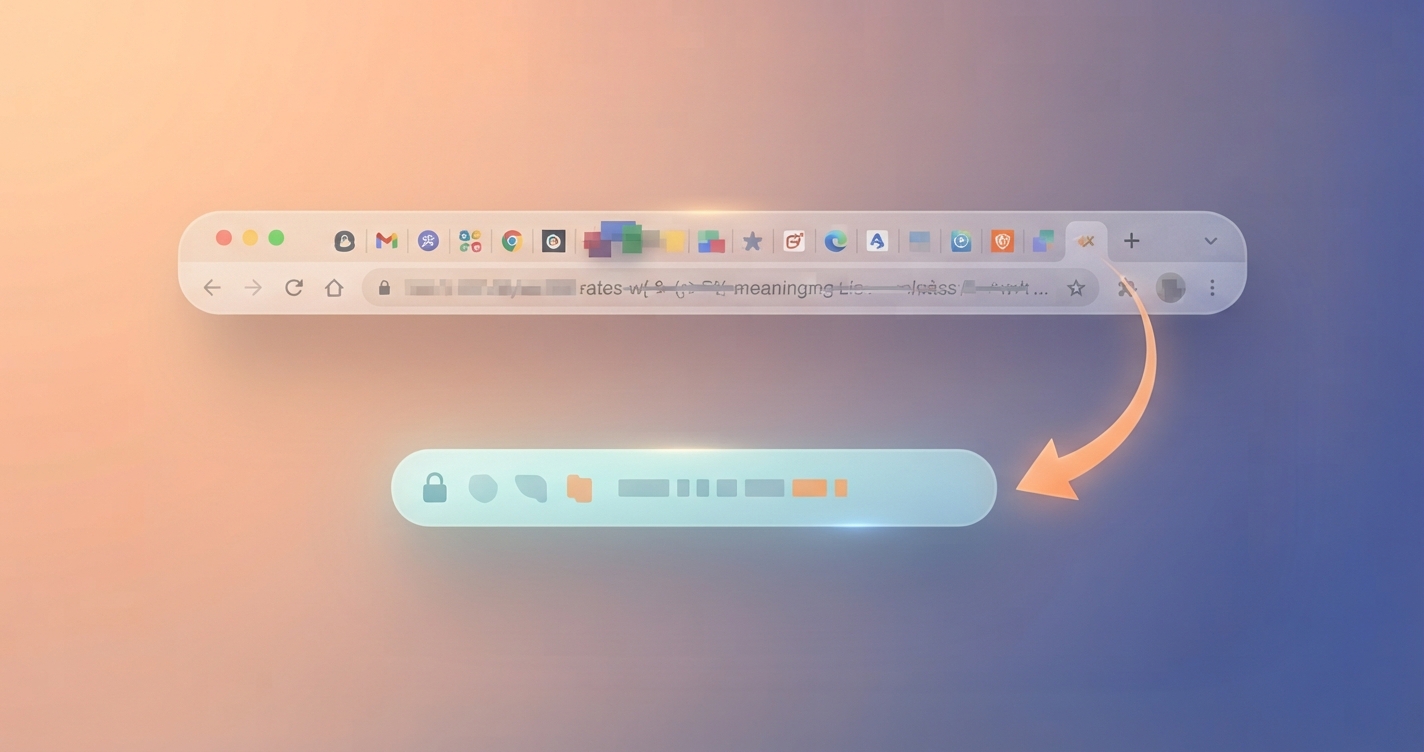
07Changing a URL that is already live
This is where most damage is done. A published URL has history: other sites link to it, search engines have indexed it and readers have bookmarked it. Change the slug and all of those point at nothing unless you redirect them.
Change it when
- The slug is misleading or wrong
- It contains an old year or a typo you cannot live with
- You are merging two pages into one
- The page has little traffic and few links
Leave it when
- The page ranks and gets steady visits
- The only gain is a slightly prettier address
- Many external sites link to it
- You cannot set up redirects reliably
If you do change it
- Add a 301 redirect from the old URL to the new one. WordPress creates one automatically when you edit a post's slug, but do not rely on that for bulk changes or permalink-structure changes; use a redirect plugin or server rules.
- Update internal links so they point straight to the new address.
- Test the old URL in a private window and confirm it lands on the new page in a single hop.
- Check the canonical tag and sitemap show the new URL.
- Watch Search Console for "Not found (404)" entries over the following weeks.
Changing the permalink structure for the whole site changes every post URL at once. Take a backup, plan the redirects first and expect rankings to wobble for a while. On an established site, the benefit rarely justifies it.
When two of your own pages target the same topic, the fix is usually to merge and redirect, not to rename. Our guide to keyword cannibalization walks through that decision.
08Common mistakes
- Publishing with the auto-generated slug. It copies the full title, filler words and all.
- Stuffing keywords. Repetition in a URL helps nothing and looks spammy in results.
- Putting the year in. You will want to update the article next year.
- Changing slugs to match every title tweak. Titles can change freely. URLs should not.
- Chained redirects. A to B to C wastes time on every visit. Point A straight at C.
- Mixing trailing-slash styles. Pick one and redirect the other.
- Ending with
-2. WordPress adds a number when the slug already exists, often because an old draft, page, tag or media file is using it. - Letting tracking parameters get indexed. Use campaign parameters only on links from outside your site; see our UTM parameters guide.
09Advanced tips
- Keep hierarchy shallow. One level of folder is usually plenty for a blog.
- Use canonical tags where filters or parameters create several addresses for the same content.
- Match slugs to your linking plan. Clear, stable URLs make internal links easier to manage. See our internal linking strategy.
- Clean up media slugs. Rename image files before uploading so attachment URLs are not claiming slugs you want for posts.
- Audit once a year. Export your URLs from Search Console or a sitemap, sort by length and look for outliers, dates and duplicates.
- Non-English sites: Google can handle non-Latin characters in URLs. Choose what your readers find natural, and be consistent.

10URL checklist
11FAQ
The slug is the last part of a page's address that identifies that specific page, such as "seo-friendly-urls" in example.com/seo-friendly-urls/. In WordPress you can edit it for each post, page, category and tag.
Slightly. Google describes words in a URL as a very minor signal. A descriptive URL mainly helps people understand the link before they click, which is reason enough to do it.
There is no official limit that matters in practice. Three to five words in the slug keeps it readable and easy to share. Very long URLs are simply harder to use and get cut off in results.
Hyphens. Google's documentation recommends hyphens to separate words because they are treated as word separators, while underscores may join words together.
Post name suits most blogs and business sites. Date-based structures make sense only where the publication date is part of the content's value, such as news.
Usually, when the slug still makes sense without them. Keep a small word if removing it changes the meaning, for example "vs" or "without".
It can, temporarily, even with a correct 301 redirect, and seriously without one. Only change the address of an established page when there is a real reason.
Because another item already uses that slug: a post, page, draft, item in the trash, tag, category or uploaded file. Find and rename or delete the other item, then edit the slug again.
Either is fine. WordPress uses a trailing slash by default. What matters is consistency, with the other version redirecting.
12Final recommendation
SEO-friendly URLs come down to a setting and a habit. Set WordPress permalinks to Post name once. Then, for every post, write a short lowercase slug of three to five meaningful words with hyphens, free of dates and filler, before you publish. Leave live URLs alone unless you have a real reason and a tested redirect. Use the slug generator above for your next post and it will take less time than reading this paragraph.
Official references
- Google Search Central: URL structure best practices
- Google Search Central: redirects and Google Search
- WordPress.org documentation: customize permalinks
- MDN: what is a URL?
Related articles
SEOKeyword cannibalization
Website buildingHow to build a website from scratch
Next step
Check your permalink setting today, then run your next title through the slug generator above. To track where visitors to that new URL come from, read our UTM parameters guide.


