How to Build a Website From Scratch in 2026: A Beginner's Step-by-Step Guide
Building a website used to mean learning to code or paying someone who had. Today the hard part is different: there are so many builders, hosts, themes and tutorials that beginners stall before they start. This guide strips it back to the decisions that matter, in the order you need to make them, and lets you try the core idea yourself in a free mini website builder halfway down the page.
To build a website you need three things: a domain name (your address), hosting (where the files live) and a way to build the pages (a hosted website builder, WordPress, or hand-written code). Decide what the site is for, choose a platform that matches your skills and budget, plan four or five core pages, write the content, pick a clean template, check it on a phone, switch on HTTPS and publish. A simple site can be live in a weekend. Most of the effort is deciding what to say.
- What a website is made of, in plain language
- How domains and hosting work, and what they cost in general terms
- Website builder, WordPress or code: which suits you
- The pages and sections every small site needs
- How to try the layout yourself in the free mini website builder
- Mobile, SEO, speed and security basics before you publish
What a website actually is
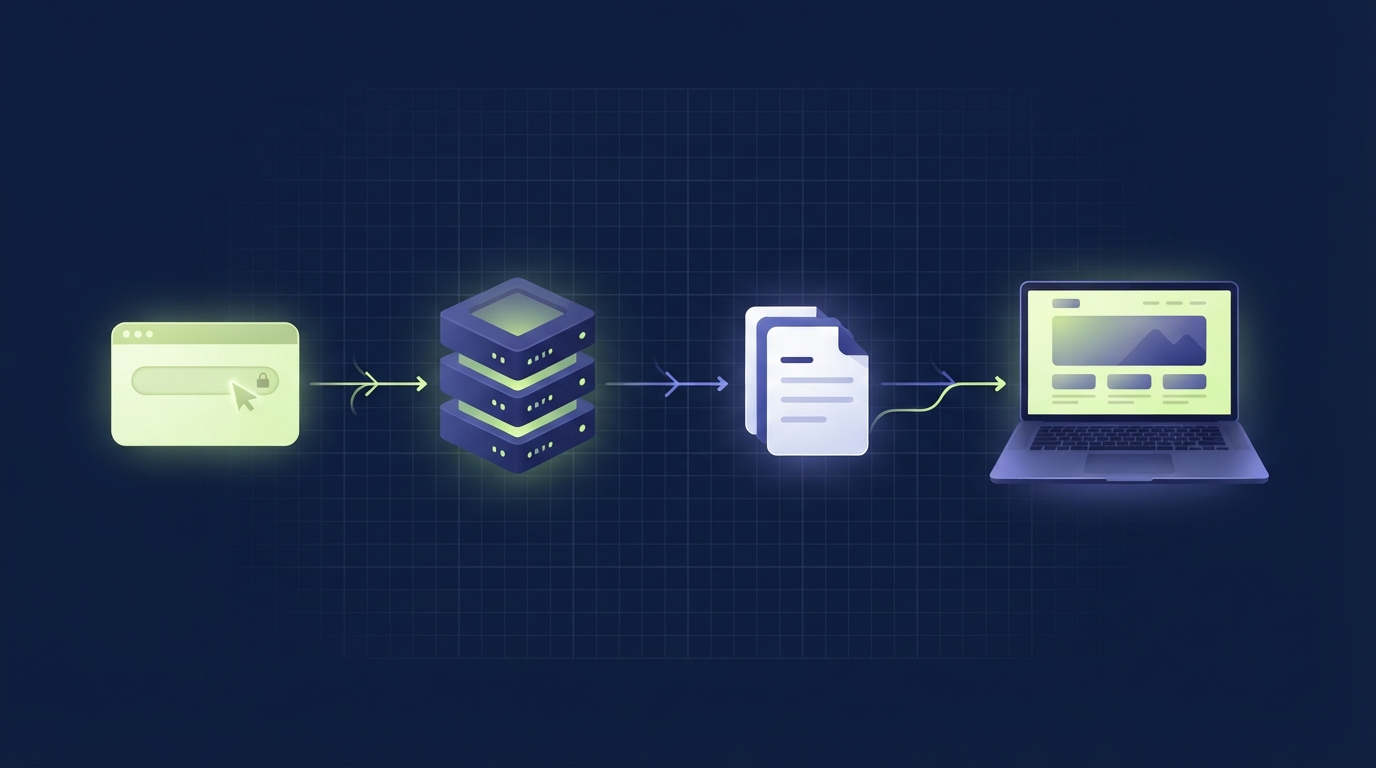
A website is a set of files stored on a computer that is always connected to the internet. When someone types your address, their browser asks that computer for a page, receives the files and draws them on screen. Everything else is detail.
Those files come in three main kinds:
The content
Headings, paragraphs, images, links and buttons. HTML says what is on the page.
The appearance
Colours, fonts, spacing and layout. CSS says how the content looks, including on small screens.
The behaviour
Menus that open, forms that check your input, anything that responds to the visitor.
You do not have to write these by hand. A website builder or a system such as WordPress produces them for you from a visual editor. It still helps to know they exist, because every setting you change in any tool ends up as HTML, CSS or JavaScript. The mini builder further down this page shows that directly: you edit a form, and it writes a real HTML file you can download.
Static and dynamic sites
A static site is a set of finished pages. The server hands over the same file to every visitor. It is fast, cheap and hard to break. A dynamic site assembles each page on request from a database, which is what makes blogs, shops, logins and search possible. WordPress and most builders are dynamic. A one-page site for a plumber can be static. A shop cannot.
Domain names and hosting
Your domain name
A domain is the address people type, such as yourbusiness.com. You rent it by the year from a company called a registrar. Some practical rules:
- Keep it short and easy to spell when said aloud. Avoid hyphens and numbers if you can.
- Match your name, not a list of keywords.
brightstudio.comages better thanbest-cheap-web-design-london.com. - Pick a sensible ending.
.comis the most recognised. A country ending such as.co.ukor.pksuits a local business. - Register it in your own account, with your own email address. If a freelancer registers it for you, make sure you hold the login.
- Turn on auto-renew. An expired domain takes your site and your email down with it.
Hosting
Hosting is the rented space on a server where your files and database live. The main types differ in how many customers share one machine and how much the provider manages for you.
| Type | What it is | Good for | Trade-off |
|---|---|---|---|
| Included with a builder | Hosting bundled into a website builder subscription | Beginners who want one bill and no setup | You cannot move the site elsewhere easily |
| Shared hosting | Many sites on one server | New WordPress sites with modest traffic | Performance depends on the neighbours |
| Managed WordPress | Hosting tuned for WordPress with backups and updates handled | Sites that earn money and owners who value time | Costs more; some plugins restricted |
| VPS or cloud | Your own slice of a server | Developers and growing sites | You look after the server yourself |
Prices change often and introductory offers usually rise at renewal, so compare the renewal price, not the first-year discount. Our guide to choosing WordPress hosting goes through the checks in detail.
Buying the domain from one company and hosting from another is perfectly normal, and it keeps you free to change host later. You connect the two by changing the domain's nameservers or DNS records, which your host will give you.
Website builder, WordPress or code
There are three realistic routes for a beginner. None is the best for everyone.
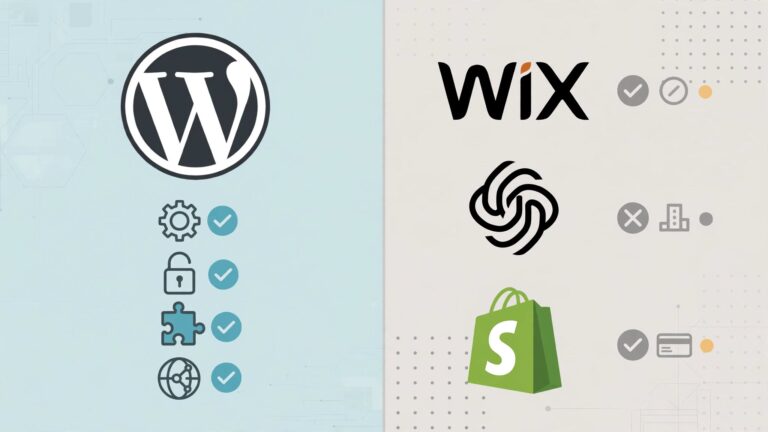
| Hosted website builder | WordPress (self-hosted) | Hand-written code | |
|---|---|---|---|
| Examples | Wix, Squarespace, Shopify for shops | WordPress.org software on your own hosting | HTML, CSS and JavaScript files |
| Learning curve | Lowest | Moderate | Steepest |
| Setup | Sign up and start editing | Buy hosting, install WordPress, choose a theme | Write files, upload to a host |
| Flexibility | Limited to what the builder offers | Very high, through themes and plugins | Unlimited, if you can build it |
| Maintenance | Handled for you | Updates, backups and security are yours | Low for static sites |
| Ownership | Content is yours; the site stays on their platform | You can move everything to any host | Fully portable |
| Best for | Simple sites, fast launch, no technical interest | Blogs, business sites, anything that will grow | Learning, or small sites with a developer |
WordPress.org and WordPress.com are different things
This confuses almost every beginner. WordPress.org is free, open-source software that you install on hosting you pay for. WordPress.com is a commercial hosting service built on that software, with plans that unlock features as you pay more. When tutorials say "WordPress", they nearly always mean the self-hosted software.
Templates, themes and page builders
A template or theme is a ready-made design: header, fonts, colours and page layouts. You replace the sample text with your own. A page builder is a drag-and-drop editor for arranging blocks on a page. Modern WordPress includes a block editor that covers most needs; separate page-builder plugins add more control at the cost of extra weight.
Choose a hosted builder if
- You want to be live this weekend
- You never want to think about updates
- The site is small and will stay small
- One monthly fee suits you
Choose WordPress if
- You plan to publish articles regularly
- You want to own and move the site freely
- You expect to add features over time
- You are willing to learn a little maintenance
Plan your pages and structure
Most small websites need the same handful of pages. Planning them on paper before touching any tool saves hours.
| Page or section | Its job | What to include |
|---|---|---|
| Homepage | Tell visitors in five seconds what you do and what to do next | Clear heading, one-line description, one main button, a short overview of the rest |
| About | Build trust | Who you are, why you do this, a real photo, relevant experience |
| Services or products | Explain what you offer | Each service, who it is for, what is included, price or how to get one |
| Contact | Make it easy to reach you | Email, phone, hours, location or service area, a simple form |
| Blog or resources | Answer questions and bring search traffic | Useful articles; optional at launch |
| Legal pages | Meet your obligations | Privacy policy, and terms or cookie information where they apply to you |
The anatomy of a homepage
Read almost any good small-business homepage from top to bottom and you find the same order:
- Header: name or logo, and a short menu.
- Hero: a heading that says what you do, a sentence of detail and one button.
- What you offer: three or four services or benefits as cards.
- About: a short paragraph that makes you a person, not a logo.
- Proof: real examples, real client names or real reviews, if you have them. Never invent these.
- Call to action: the same button again.
- Footer: contact details and legal links.
That structure is exactly what the mini builder below lets you assemble.
Try it: free mini website builder
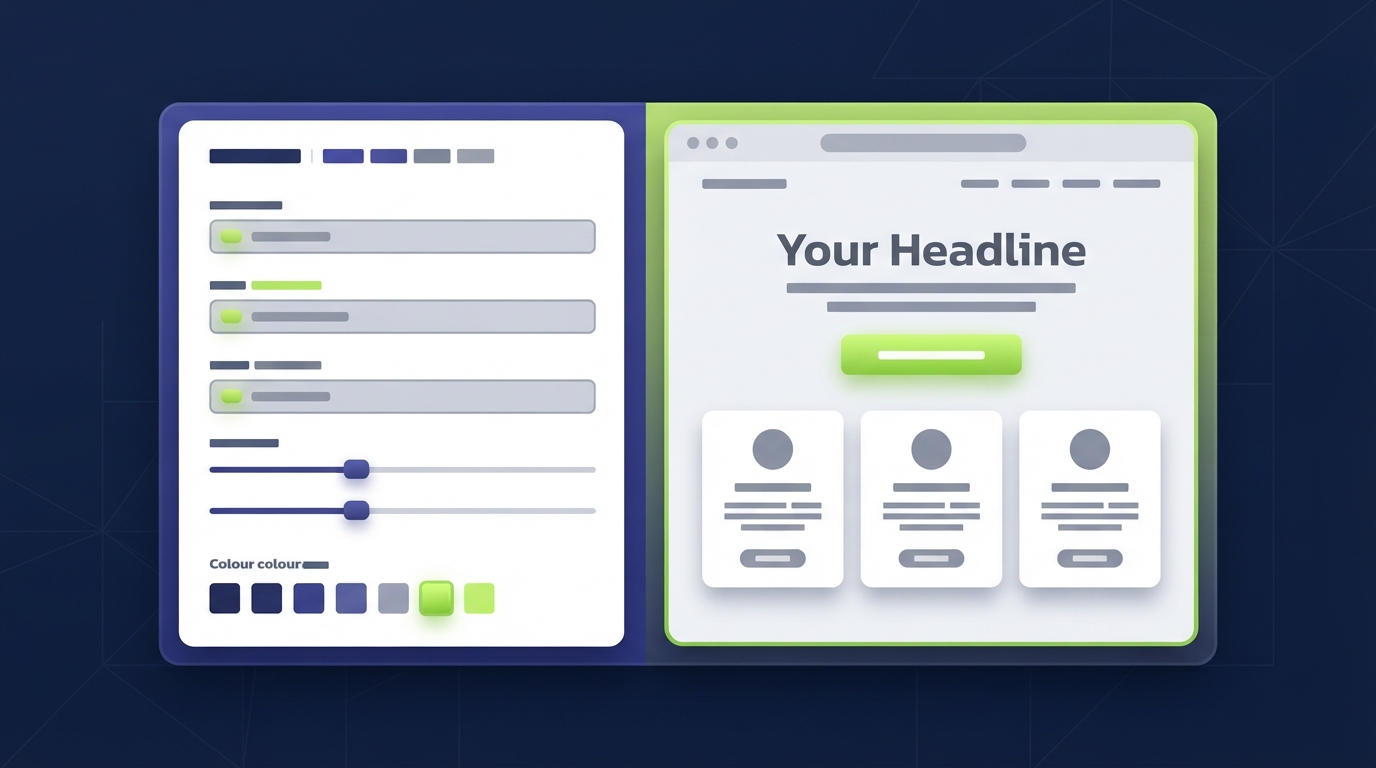
Reading about heroes and sections only goes so far. Use the tool below to build a small landing page: change the name and heading, add or remove sections, switch the colour theme, and watch the preview update as you type. Use the Mobile button to see how the same page reflows on a phone. When you are happy, copy or download the HTML. It is a complete, working web page.
Build a one-page landing site and take the HTML with you. Everything runs in your browser; nothing is uploaded or saved on our side. This is a small demo for learning, not a full website builder or a hosting service.
Uses built-in templates for the chosen type. It is not AI and it replaces your current text.
Links can start with https://, mailto:, tel: or # (for a section on the page).
For Services and Questions, write one item per line as Title | description.
What to do with the HTML file
- Open it. Double-click the downloaded file and it opens in your browser, with no internet connection needed. That is a static website.
- Read it. Open the same file in a text editor. You will see your heading inside an
<h1>tag and your colours in the<style>block. Change a word, save, refresh. - Publish it. Any web host will serve it if you upload it as
index.html. Several services host small static sites free of charge. - Use it as a plan. Even if you go on to WordPress or a builder, you now have your headline, sections and wording decided.
The button fills the page from fixed templates for each website type. It is not connected to an AI model. For tailored wording, paste your details into an AI assistant and ask for a headline, a two-sentence description and three service blurbs, then check every claim is true for your business. Connecting a real AI model to a tool like this needs a server-side endpoint that keeps the API key private; a key must never be placed in page code.
Build your real site in nine steps
- Define the goal. Write one sentence: "This site exists so that [who] can [do what]." Every later decision is tested against it.
- Choose your platform using the comparison above. If you cannot decide, start with a hosted builder; you can move later.
- Register your domain in your own name and enable auto-renew.
- Set up hosting or your builder account. For WordPress, most hosts offer a one-click install. Turn on the free SSL certificate at the same time.
- Pick a template. Choose for layout and readability, not for the stock photos. A simple, fast theme with good reviews and recent updates beats an elaborate one.
- Write your content first. Draft the homepage, About, Services and Contact text in a document. Short sentences. Say what you do, for whom, and what to do next.
- Build the pages. Replace the template's sample content with yours. Delete sections you do not need; empty placeholders look worse than a shorter page.
- Add the essentials: a contact form that you have tested, a privacy policy, a favicon and a custom "page not found" message.
- Test, then publish. Check every page on a phone, click every link and button, and ask one other person to find your phone number without help.
Launch with fewer pages than you think you need. Five complete, accurate pages are more convincing than twelve with "coming soon". You can add the rest next month, when real visitors show you what is missing.
Mobile, SEO, speed and security
These four areas are where beginner sites most often fall short. None requires expert knowledge at the basic level.
Mobile responsiveness
For many sites the majority of visits now come from phones, and Google primarily uses the mobile version of a page for indexing. A responsive site rearranges itself to fit the screen: columns stack, text stays readable, buttons stay large enough to tap.
- Check every page on a real phone, not only in a preview.
- Keep body text at 16 pixels or larger.
- Make buttons and links easy to tap, with space around them.
- Avoid wide tables and fixed-width images that force sideways scrolling.
Basic SEO
Search engine optimisation starts with being clear about what each page is for.
- One topic per page, with a descriptive title and one main heading (H1).
- A unique title and meta description for each page, written for people.
- Short, readable URLs, such as
/services/instead of/page?id=27. - Descriptive alt text on images that carry meaning.
- Internal links between related pages.
- Google Search Console set up, with your sitemap submitted, so you can see whether pages are indexed.
Before writing any page, check what people searching that topic want to find. Our guide to search intent explains how.
Performance
Slow pages lose visitors before they read a word. The biggest wins are simple: resize and compress images before uploading, use few fonts, avoid plugins and widgets you do not need, and turn on caching. See page weight and performance budgets for how to measure what your pages weigh, and why a WordPress site is slow if yours already drags.
Security
- HTTPS everywhere. Enable the SSL certificate your host provides; many include one free through Let's Encrypt. Browsers mark sites without it as "not secure".
- Strong, unique passwords and two-factor authentication on your hosting, domain and site admin accounts. See how to secure your online accounts.
- Updates. On WordPress, keep core, themes and plugins current, and remove any you do not use.
- Backups. Automatic, stored away from the server, and tested by restoring once.
Only install themes and plugins from the official WordPress.org directory or the developer's own site. "Free" copies of paid themes from other sources are a common way malware gets onto new websites.

How to publish your website
Publishing means making the finished site reachable at your domain. The exact clicks depend on the platform.
Press Publish
Connect your domain in the builder's settings, follow its DNS instructions and press the publish button. The builder handles the certificate.
Open it to visitors
Remove any "coming soon" mode, and untick "Discourage search engines from indexing this site" under Settings → Reading.
Upload the files
Upload your HTML, with the homepage named index.html, through your host's file manager or a static hosting service.
After you publish
- Visit the site at both
https://yourdomain.comandhttps://www.yourdomain.com; one should redirect to the other. - Confirm the padlock appears and there are no "not secure" warnings.
- Send a message through your own contact form and check it arrives.
- Add the site to Google Search Console and submit the sitemap.
- Run one page through PageSpeed Insights and note the result as your starting point.
- Tell people. A new site has no visitors until you share it.
DNS changes can take anything from minutes to a day or so to reach everyone. If the site does not appear at once, wait before changing settings again.
Common beginner mistakes
- Designing before writing. You cannot choose a layout for content that does not exist. Write first.
- A vague homepage heading. "Welcome to our website" tells nobody anything. Say what you do and for whom.
- Too many fonts and colours. Two fonts and one accent colour look more professional than five of each.
- Huge images. A photo straight from a phone can be several megabytes. Resize it to the width it will be shown at.
- Ignoring the phone view.
- No clear next step. Every page should make one action obvious: call, book, buy, subscribe or read on.
- Installing every plugin that looks useful. Each one adds weight and something else to keep updated.
- No backups. The first time you need one is too late to set them up.
- Leaving sample content live. "Hello world" posts and placeholder text undermine trust instantly.
- Waiting for perfect. A published, accurate, simple site beats an unfinished ambitious one.
A note on AI website builders
Many builders now offer an AI option that produces a first draft of a site from a short description. It can save time on layout and placeholder wording. Treat the output as a starting sketch. Check every sentence, because generated text often includes claims, services or figures that are not true for your business, and replace generic images with your own. You are responsible for what the site says, whoever drafted it.
Launch checklist
FAQ
You can build and publish one free on several builders and static hosting services, usually on a subdomain of the provider and sometimes with their branding. For a business, paying for your own domain is worth it: it looks professional and you keep it if you change platform.
A simple site of four or five pages can be live in a weekend if the text and images are ready. Writing the content is what usually takes the time. Shops and larger sites take weeks.
No. Website builders and WordPress let you create a complete site without writing code. A little HTML and CSS helps when you want to adjust something the editor does not offer, and it is easy to pick up later.
A hosted builder is easier on day one. WordPress takes a little longer to learn and gives more control and freedom to move. Choose a builder for a small, simple site and WordPress if you plan to publish regularly or grow.
The domain is your address. Hosting is the space where the site's files are stored. You need both, and they can be bought from the same company or from two different ones.
The ongoing costs are the domain, hosting or a builder subscription, and any paid theme or plugins. Prices vary by provider and change often, so check current renewal prices, not introductory offers, before committing.
Yes, for a simple one-page site. The download is a complete HTML file that any web host can serve. It has no contact form, blog or editing dashboard, so for anything larger treat it as a plan for the site you build on a full platform.
Make sure search engines are not blocked, add the site to Google Search Console and submit your sitemap. Indexing can take from a few days to a few weeks. Useful content and links from other sites help it rank over time.
Final recommendation
Building a website from scratch comes down to a short list: decide the goal, register a domain you control, pick the platform that fits your patience, write the words, choose a simple design and check it on a phone. If you are unsure where to begin, spend ten minutes in the mini builder above. Settling your headline, your sections and your button text there is real progress, and you can carry those decisions straight into whichever tool you choose.
Start small, publish early and improve the site with what real visitors teach you.
Official references
- Google Search Central: SEO Starter Guide
- Google Search Central: mobile-first indexing
- MDN: Learn web development
- WordPress.org documentation
- Let's Encrypt: getting started
- PageSpeed Insights
Next step
Scroll back to the mini website builder, finish your page and download it. Then, if you are going with WordPress, read how to choose WordPress hosting before you buy a plan.